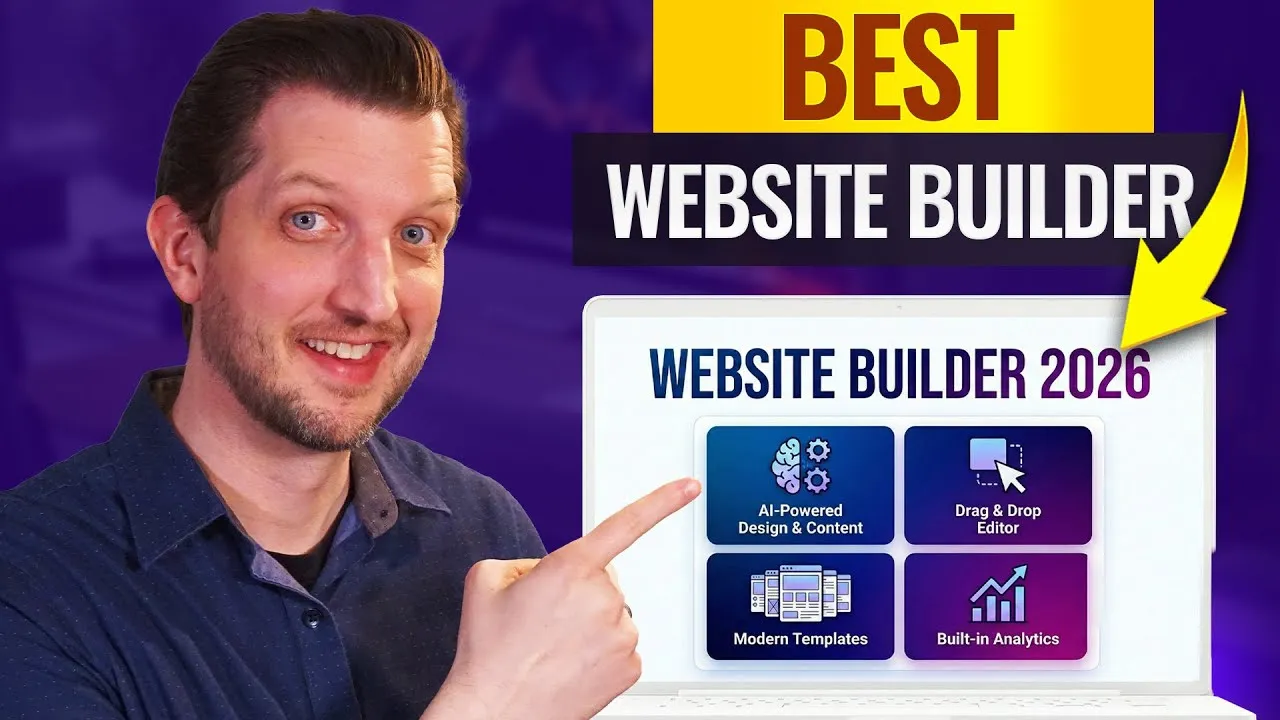
Mastering Website Creation with Hostinger
In today’s digital landscape, having a professional and functional website is crucial for businesses, personal brands, and online presence. Choosing the right website builder can seem daunting with the sheer number of options available.
This guide breaks down why Hostinger stands out as a top-tier website builder, focusing on its user-friendly interface, powerful AI capabilities, robust performance, security features, and competitive pricing. By following this guide, you’ll understand how to leverage Hostinger to create a website that meets your needs, whether you’re a beginner or an experienced developer.
What You’ll Learn
- How to navigate Hostinger’s intuitive H Panel for easy website management.
- How to utilize Hostinger’s AI tools, including AI Writer and Page Generator, for content creation and design assistance.
- The importance of website performance and how Hostinger excels in speed.
- Why security is paramount for website builders and Hostinger’s commitment to it.
- Understanding Hostinger’s flexible pricing plans and included features.
Prerequisites
- A computer with internet access.
- A basic understanding of what you want your website to achieve.
Step 1: Get Started with Hostinger and Explore the H Panel
The first step to building your website with Hostinger is to set up an account. Hostinger offers a streamlined sign-up process, and for the best possible pricing, you can use the special link provided in the description of the original video.
Once your account is active, you’ll be introduced to Hostinger’s proprietary interface, the H Panel. This is a significant departure from the often complex control panels found in other website builders.
The H Panel is designed with ease of use fundamentally. For beginners, this means you won’t be overwhelmed by outdated or cumbersome tools. Everything you need is accessible through a clean and organized dashboard.
You can intuitively manage your website’s elements, pages, and settings directly within this panel. The interface allows for a drag-and-drop functionality, making it simple to adjust layouts and add content without needing to know complex coding languages.
Tip: Familiarize Yourself with the H Panel
Take some time to click around the H Panel. Explore the different sections for managing pages, themes, and settings. The more comfortable you are with the interface, the faster you’ll be able to build and manage your site.
Step 2: Leverage Hostinger’s Powerful AI Tools
One of Hostinger’s most impressive features is its suite of AI-powered tools. These tools are designed to assist users, especially those who might be unsure where to start or who want to expedite the building process. The AI capabilities can handle significant aspects of website creation, allowing you to focus on refining the final product.
- AI Writer: This tool can help generate text content for your website, from product descriptions to blog posts. You can provide prompts, and the AI will craft relevant and engaging copy.
- AI Page Generator: If you need a starting point for a specific page, the AI Page Generator can create a draft based on your input. This provides a solid foundation that you can then customize.
- AI Image Generator: Need unique visuals for your site? The AI Image Generator can create custom images based on your descriptions, ensuring your website has distinctive imagery.
These AI elements are integrated seamlessly into the H Panel, making them accessible during the design and content creation process. They truly perform the heavy lifting, allowing you to easily adjust and personalize the generated content and designs to perfectly match your vision.
Expert Note: AI as a Co-Pilot
While Hostinger’s AI tools are powerful, think of them as a co-pilot. They provide excellent starting points and can automate tedious tasks, but your input and adjustments are key to creating a truly unique and effective website. Don’t hesitate to refine the AI-generated content and designs.
Step 3: Understand and Optimize for Performance
Website performance, specifically loading speed, is critical. A slow-loading website can frustrate visitors, leading to high bounce rates and lost opportunities, whether for sales, leads, or engagement. Hostinger is recognized for its speed, even when compared to other website builders, especially within its price bracket.
When testing various website builders, Hostinger consistently demonstrated fast loading times. This is crucial for user experience and also impacts your website’s search engine optimization (SEO). Search engines tend to favor faster websites, which can lead to better rankings.
Warning: Optimize Images
Even with a fast builder, large, unoptimized image files can slow down your website. Ensure you compress images before uploading them or use Hostinger’s built-in optimization tools if available.
Step 4: Ensure Website Security
Security is another non-negotiable aspect of website building. You need a platform that is reliable, trustworthy, and actively works to protect your site and your visitors’ data.
In the world of website builders, some platforms are less stable and may disappear. Hostinger, however, is a well-established brand committed to continuous improvement, including security enhancements.
Whether your website is for a business, a personal brand, or just a hobby, protecting information is vital. This is especially true for e-commerce sites handling payments or collecting customer data like email addresses and phone numbers. Hostinger provides a secure environment, giving you peace of mind that your website and its data are protected.
Tip: Enable Security Features
Explore the security settings within your H Panel. Hostinger often includes features like SSL certificates (usually free), firewalls, and malware scanners. Ensure these are enabled and configured correctly.
Step 5: Evaluate Pricing and Features
When choosing a website builder, pricing is a significant factor. Hostinger offers competitive pricing with various plans to suit different needs and budgets.
Hostinger’s plans typically vary based on factors like the number of websites you want to host, the amount of storage space required, and the inclusion of features like email inboxes. A key benefit across most plans is the inclusion of a free domain name, allowing you to get your website online with a unique address without additional upfront costs.
You also have the flexibility to manage your hosting through WordPress if you prefer to use that platform, offering a hybrid approach. Among the top website builders tested, Hostinger provides exceptional value, combining robust features with affordability.
Expert Note: Choose a Plan That Scales
Consider your future needs. While a basic plan might suffice now, choose a plan that allows for easy upgrades as your website grows in traffic or functionality. This prevents the need for a costly migration later.
Conclusion
Hostinger emerges as a leading website builder for 2026 due to its exceptional ease of use via the H Panel, its innovative AI tools that simplify content creation and design, its strong performance, reliable security, and attractive pricing. Whether you’re a complete beginner looking to launch your first website or an experienced user seeking a powerful and efficient platform, Hostinger offers a comprehensive solution to bring your online vision to life.
Source: BEST Website Builder in 2026 (YouTube)