GPTs Automate PDF Creation in Seconds
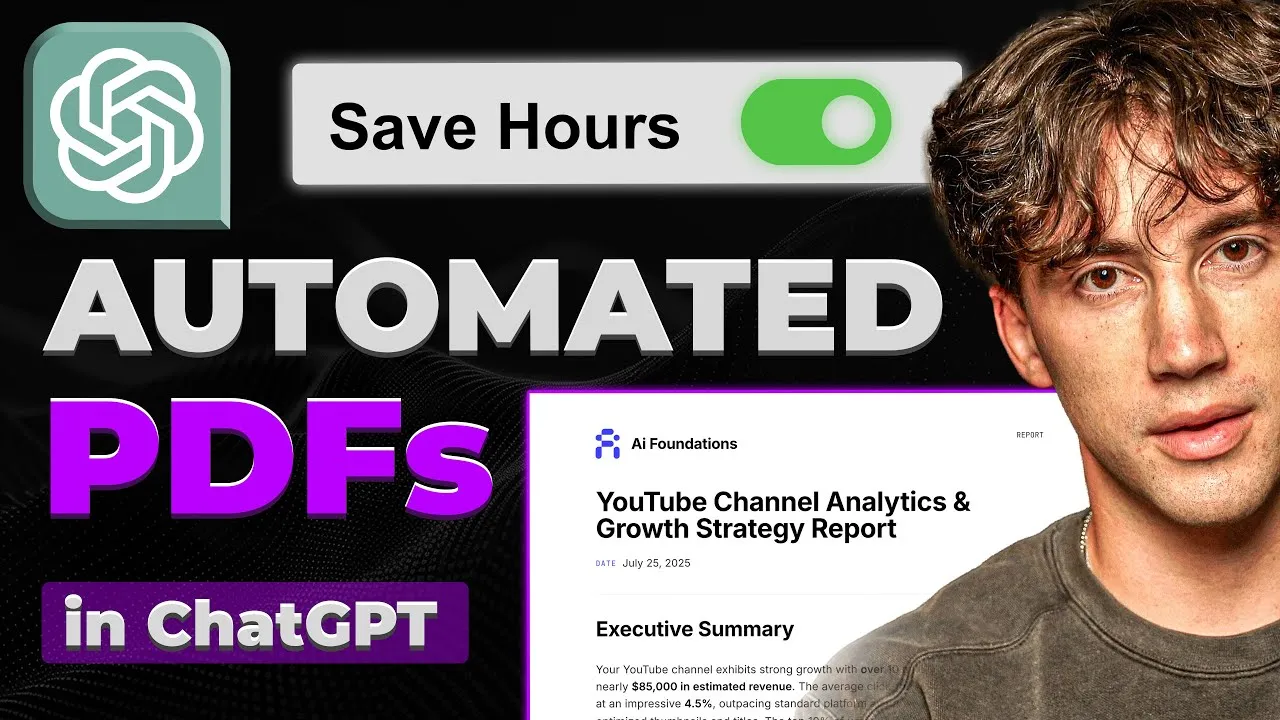
A new method leverages OpenAI’s GPTs and a third-party tool to generate custom, branded PDF reports in under a minute, transforming raw data into polished documents with minimal user input.
The Breakthrough in Automated Reporting
Generating professional, branded PDF reports from raw data has traditionally been a time-consuming process, often requiring hours of manual work. However, a new system demonstrated by creator Drake promises to automate this entirely.
Using a custom-built GPT within ChatGPT and a tool called API Template.io, users can now transform data, ideas, or existing documents into fully customized PDF reports in less than 60 seconds. This includes elements like logos, custom branding, executive summaries, tables, and key findings, all tailored to specific needs.
Understanding the System Flow
The core of this automation lies in a seamless data flow. Users can input various forms of unstructured data – from personal ideas and past chat conversations to analytics from marketing campaigns or channel statistics. This data is then processed by a custom GPT.
The real innovation is how this GPT is instructed to not only process the content but also to format it into a professional PDF using a pre-designed template. The system is designed so that users only need to provide the initial idea or content, and the GPT can expand on it, generate the necessary text, and then produce the final, polished PDF.
Key Tools and Setup
The system relies on two primary tools:
- ChatGPT GPTs: This allows for the creation of custom versions of ChatGPT with specific instructions and capabilities. In this case, a GPT is configured to act as a PDF generation agent.
- API Template.io: This platform provides the functionality to create and manage PDF templates. It allows for detailed customization of the PDF’s appearance, including headers, footers, and dynamic content placement, and integrates with other applications via APIs.
Drake emphasizes that both tools can be utilized effectively with free plans, making this powerful automation accessible. API Template.io offers a free tier that allows for up to 50 PDF generations per month. For more advanced features or higher volume, paid plans are available, with Drake mentioning his own subscription at $35/month for the ‘image plus PDF’ plan.
Building Your Custom PDF Agent
Creating the PDF agent involves several steps:
- Configuring the GPT: Users create a custom GPT within ChatGPT. This involves giving it a name (e.g., “PDF Agent”), generating a profile picture, and most importantly, writing detailed instructions. These instructions guide the GPT on its role, behavior, and how to interact with the API Template.io service to generate PDFs only when explicitly asked. Drake provides a comprehensive set of instructions, developed over four hours, freely available through a linked Notion page to simplify this process for users.
- Creating the PDF Template: Within API Template.io, users design their PDF template. This involves using HTML, CSS, and settings to define the layout, branding, and dynamic fields. The platform offers a template editor where users can paste HTML structures and customize styling. Drake recommends starting with a minimal HTML template and then adding custom styles, colors, fonts, and even a logo. The template includes specific placeholders for dynamic content like title, date, and body text, which the GPT is instructed to fill.
- Integrating GPTs and API Template.io: This is the crucial step that enables communication between ChatGPT and API Template.io. It involves setting up ‘Actions’ within the GPT configuration. This requires authentication using an API key from API Template.io and defining a ‘schema’ that tells the GPT how to make API calls. The schema includes the template ID from API Template.io, ensuring the GPT uses the correct design for the PDF.
Customization and Styling
Beyond basic functionality, the system allows for extensive customization. Users can upload logos by encoding them into Base64 format and inserting them into the template’s HTML. Styling can be dramatically altered by providing prompts to AI models like Claude Opus 4 or ChatGPT, asking them to re-style the existing HTML while maintaining its structure.
This allows for the creation of visually distinct reports, from professional gray and blue tones to sleek, modern aesthetics with gradient effects and custom fonts. Drake demonstrates how to input a custom footer with page numbers and personalized text, enhancing the professional look of the generated documents.
Real-World Applications and Impact
Why This Matters: The ability to automate PDF report generation has significant implications across various fields:
- Content Creators: Analyze channel statistics, engagement metrics, and audience demographics, presenting them in branded monthly or quarterly reports.
- Marketers: Generate performance reports for advertising campaigns, SEO efforts, or social media activity, complete with executive summaries and key findings.
- Businesses: Create internal reports, client proposals, financial summaries, or project updates efficiently.
- Researchers and Students: Compile research findings, literature reviews, or project documentation into structured, presentable formats.
The speed and ease of use democratize access to professional reporting tools, previously requiring specialized software or significant design skills. By leveraging existing AI capabilities and accessible third-party tools, individuals and small businesses can now produce high-quality reports that rival those from larger organizations.
Availability and Future Potential
The described system is available now to anyone with access to ChatGPT Plus, which enables the use of GPTs. API Template.io offers a free tier for users to get started.
While Drake highlights his paid community, ‘AI Foundations,’ for those seeking deeper mastery of AI, the core PDF generation system he demonstrates is built using accessible and often free components. The underlying technology suggests a future where dynamic, AI-generated documents become a standard part of digital workflows, further blurring the lines between content creation, data analysis, and automated reporting.
Source: This GPT Agent Creates 100% Automated PDFs! (Full Guide) (YouTube)