OpenClaw Revolutionizes AI Interaction with Powerful Agent Capabilities
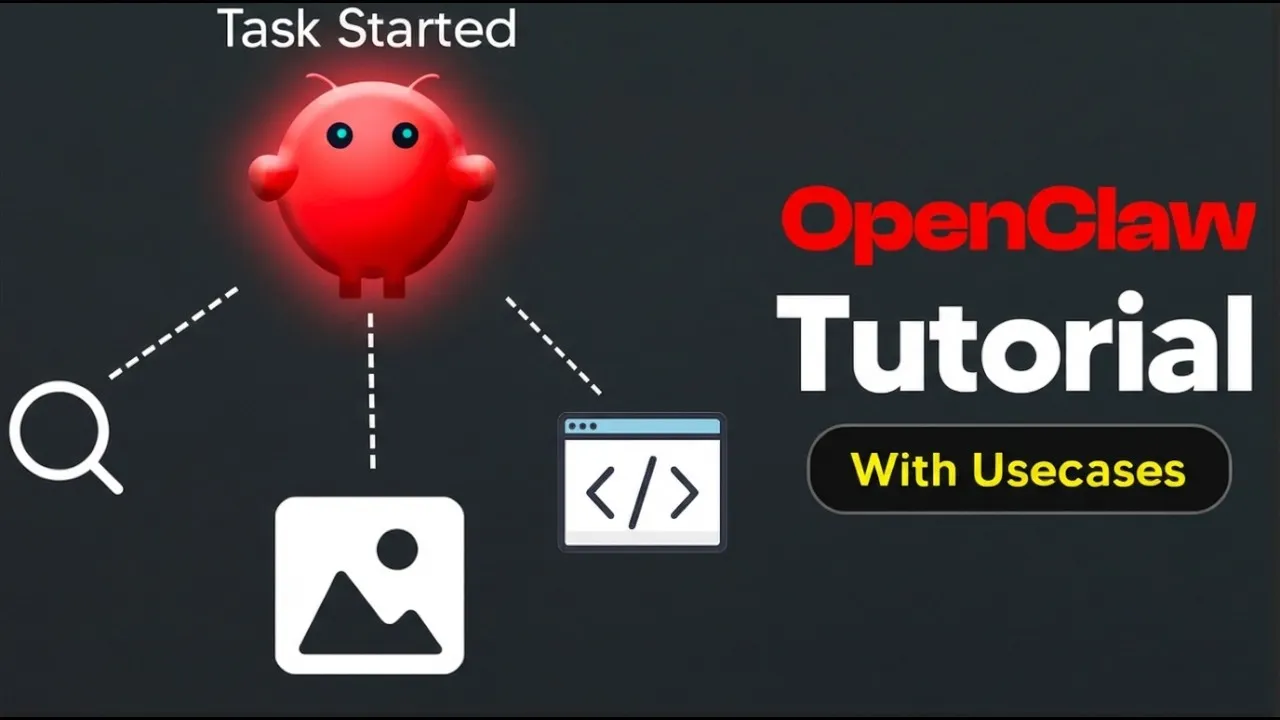
The landscape of artificial intelligence is rapidly evolving, and a new player, OpenClaw, is making significant waves. Positioned as a powerful AI agent, OpenClaw promises to automate a wide array of tasks, moving beyond simple chatbots to perform actions on behalf of the user. This article explores how to set up OpenClaw and digs into its versatile use cases, from managing personal schedules to generating content and monitoring social media trends.
Getting Started with OpenClaw: A Step-by-Step Guide
Setting up OpenClaw is presented as a straightforward process, largely facilitated by hosting platforms like Hostinger. The initial step involves navigating to the hosting provider’s portal and selecting the OpenClaw deployment option. This often translates to a ‘one-click deploy’ functionality, simplifying the technical hurdles of setting up a dedicated AI environment.
Server Deployment and Configuration
Users are guided to choose a server location, with options to select operating systems and set up security measures like a root password and a malware scanner. A crucial component for running OpenClaw is Docker Manager, which needs to be enabled during the setup. The entire process, from initiating the deployment to having a functional Virtual Private Server (VPS), typically takes a few minutes.
Integrating OpenClaw with Essential Services
Once the VPS is ready, the next step is to deploy OpenClaw itself, often through a Docker catalog. This stage requires integrating API keys from services like Anthropic (for advanced language models) and securing a gateway token, which is essential for accessing the OpenClaw interface. For users who prefer an even simpler setup, an ‘auto-select’ option is available, leveraging ‘Nexus AI credits’ to bypass the need for individual API key management, albeit at a slightly higher cost.
Unlocking OpenClaw’s Potential: Key Use Cases
OpenClaw’s true power lies in its ability to act as an autonomous agent, performing tasks without constant user intervention. This is achieved through its memory system and the ability to connect to various channels, most notably WhatsApp.
Personalized Daily Briefings and Reminders
One of the most compelling use cases is the creation of automated daily briefings. Users can configure OpenClaw to fetch and summarize AI news, identify trending topics, or even provide daily weather forecasts and outfit suggestions. For personal productivity, OpenClaw can act as a reminder system for birthdays, anniversaries, or upcoming subscription renewals, proactively managing personal administrative tasks.
Content Creation and Social Media Monitoring
For content creators and businesses, OpenClaw offers significant advantages. It can be tasked with monitoring social media to identify what beginners are struggling with in AI, providing valuable insights for content strategy.
OpenClaw can be programmed to search for trending AI tools weekly, summarizing their features, pricing, and use cases for easy dissemination to an audience. The agent can also be integrated with image generation tools, allowing for automated creation of social media posts or visual content based on specific prompts.
Automated Workflows with Cron Jobs
The integration of ‘cron jobs’ allows users to schedule complex workflows at specific times. This means OpenClaw can execute tasks like generating a daily AI news briefing at a set hour, or researching trending AI tools every Friday evening, delivering the results directly to the user via WhatsApp. This automation frees up significant user time and ensures consistent information flow.
Health and Finance Management
OpenClaw can also be a valuable tool for personal well-being and financial management. Users can log their daily meals, and at the end of the week, OpenClaw can provide a summary of calorie intake and adherence to dietary plans. For finances, it can proactively remind users about upcoming subscription renewals, helping them avoid unwanted charges.
Enhancing Security and Functionality: Skills and API Keys
The functionality of OpenClaw can be extended through ‘skills,’ which are essentially plugins that add new capabilities. The platform emphasizes the importance of security when browsing and installing these skills, recommending users check for user ratings and security reports (like VirusTotal scans) to avoid malware. The secure installation of skills, such as image generation tools like Nano Banana Pro, requires proper API key configuration.
WhatsApp Integration: Security Considerations
Connecting OpenClaw to WhatsApp for seamless communication is a key feature. However, the platform strongly advises using a separate phone number, preferably with an eSIM, for this integration.
This is because linking a personal WhatsApp account grants the AI agent access to all messages and contacts, posing a significant privacy risk. Using a dedicated number ensures personal data remains secure.
Why This Matters: The Future of AI Agents
OpenClaw represents a significant step towards more capable and autonomous AI agents. By moving beyond conversational AI, it offers practical solutions for automating repetitive tasks, enhancing productivity, and providing personalized assistance across various aspects of life and work.
The ability to schedule complex tasks, integrate with communication platforms, and leverage external tools positions OpenClaw as a powerful tool for individuals and businesses looking to stay ahead in an increasingly AI-driven world. The affordability of the setup, especially compared to high-end consumer hardware, makes this advanced AI capability accessible to a broader audience.
The setup process and features described are based on the provided transcript. Specific pricing and availability may vary.
Source: OpenClaw Setup Tutorial With New Usecases (OpenClaw Usecases 2026) (YouTube)