How to Generate Music from Images Using Google’s AI
Google has introduced a groundbreaking new feature that allows you to transform your images into music. This innovative tool, powered by Google’s AI, enables you to create unique soundtracks based on visual input. In this guide, we’ll walk you through the process of using this exciting new music generator.
What You Will Learn
By the end of this tutorial, you will be able to:
- Access and use Google’s AI music generation tool.
- Input an image to inspire the music.
- Generate a musical piece based on the provided image and a descriptive prompt.
- Understand the capabilities and potential of AI-powered music creation.
Prerequisites
- A Google account.
- Access to the internet.
- An image you wish to use as inspiration for your music.
Step-by-Step Guide to Generating Music from Images
Step 1: Access the AI Music Generator
The first step is to locate and open the AI music generation tool provided by Google. While the exact interface might evolve, typically you would access such features through Google’s experimental AI platforms or specific product integrations. For this guide, we assume you have found the tool, often referred to as a music generator that works with image input.
Step 2: Prepare Your Image Input
You will need an image to serve as the basis for your song. This image can be anything – a photograph, a drawing, a piece of art, or even a digital creation. The AI will analyze the visual elements of the image to inform the music it generates.
Step 3: Provide a Descriptive Prompt
Once you have your image ready, you’ll need to provide the AI with some text to guide its music creation. This prompt should describe what you envision for the music.
For example, you might ask for a soundtrack for the image, a song that captures a specific mood, or a piece of music in a particular style. The more descriptive your prompt, the more tailored the AI’s output can be.
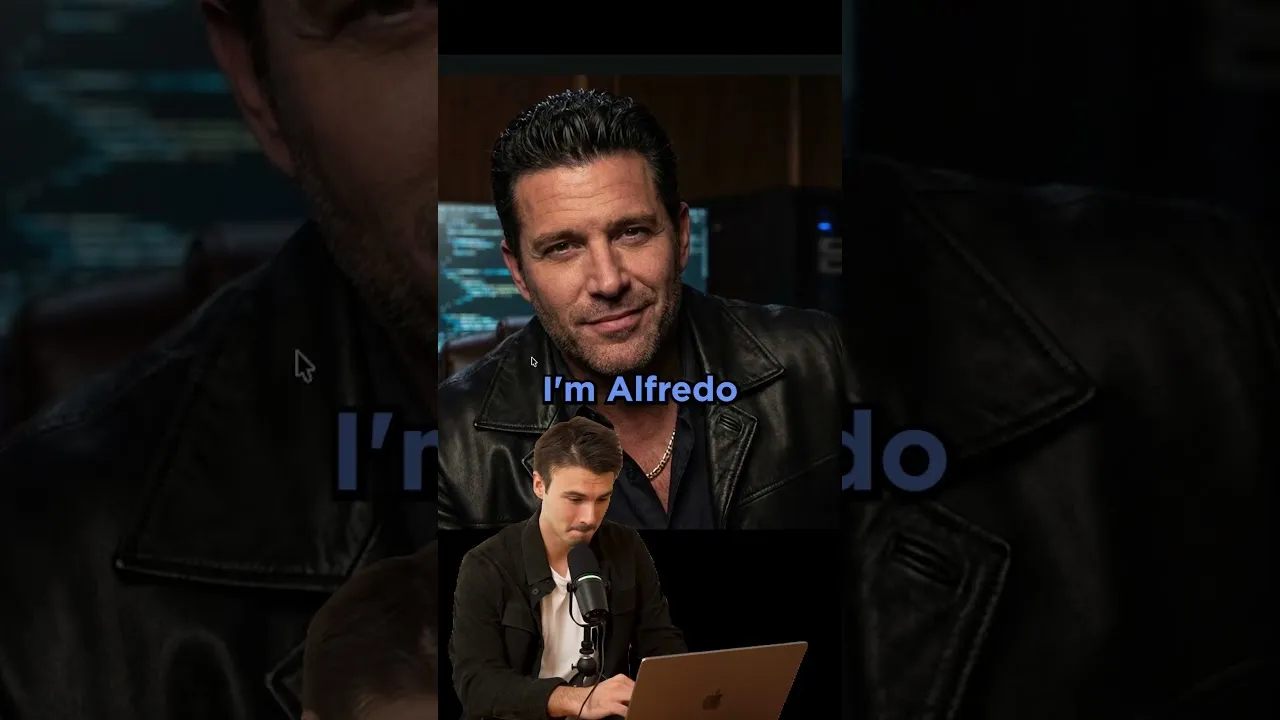
Example Prompt: “Create a soundtrack for this man’s life.”
Step 4: Initiate Music Generation
After uploading your image and entering your prompt, you will typically find a button to start the generation process. Click this button, and the AI will begin analyzing your input and composing the music. This process may take a few moments depending on the complexity of the request and the system’s load.
Step 5: Review and Enjoy Your Generated Music
Once the generation is complete, the AI will present you with the music it has created. Listen to the track and evaluate how well it aligns with your image and prompt. You might be surprised by the creativity and uniqueness of the AI’s output.
Expert Note: The Power of Prompts
The quality and relevance of the generated music are heavily influenced by the prompt you provide. Experiment with different phrasing, styles, and emotional cues in your prompts to see how they affect the final output. For instance, instead of just asking for a soundtrack, you could specify a genre like “cinematic orchestral score,” “upbeat electronic dance track,” or “melancholy acoustic ballad.” This level of detail can significantly refine the AI’s creative direction.
Tip: Exploring Different Image Types
Don’t limit yourself to just photographs. Try using abstract art, landscape photos, portraits, or even memes. Each type of image might inspire the AI in different and interesting ways, leading to a wider variety of musical outcomes.
Warning: AI Limitations
While AI music generation is rapidly advancing, it’s important to be aware of its current limitations. The generated music may sometimes be generic, repetitive, or not perfectly aligned with complex prompts. It’s a tool for inspiration and experimentation rather than a replacement for human composers, especially for nuanced or highly specific musical needs.
Step 6: Experiment and Iterate
The best way to get the most out of this tool is through experimentation. Try different images, prompts, and combinations. See what happens when you use an image of a person versus a landscape, or a simple object versus a complex scene.
You can also try refining your prompt based on the first output you receive. If the music isn’t quite right, adjust your prompt and generate again.
Conclusion
Google’s AI music generator offers a fascinating new way to explore creativity by bridging the gap between visual art and music. By following these steps, you can start creating your own unique soundtracks from images. Have fun experimenting with this innovative technology!
Source: Gemini Can Make Songs Now, But… (YouTube)