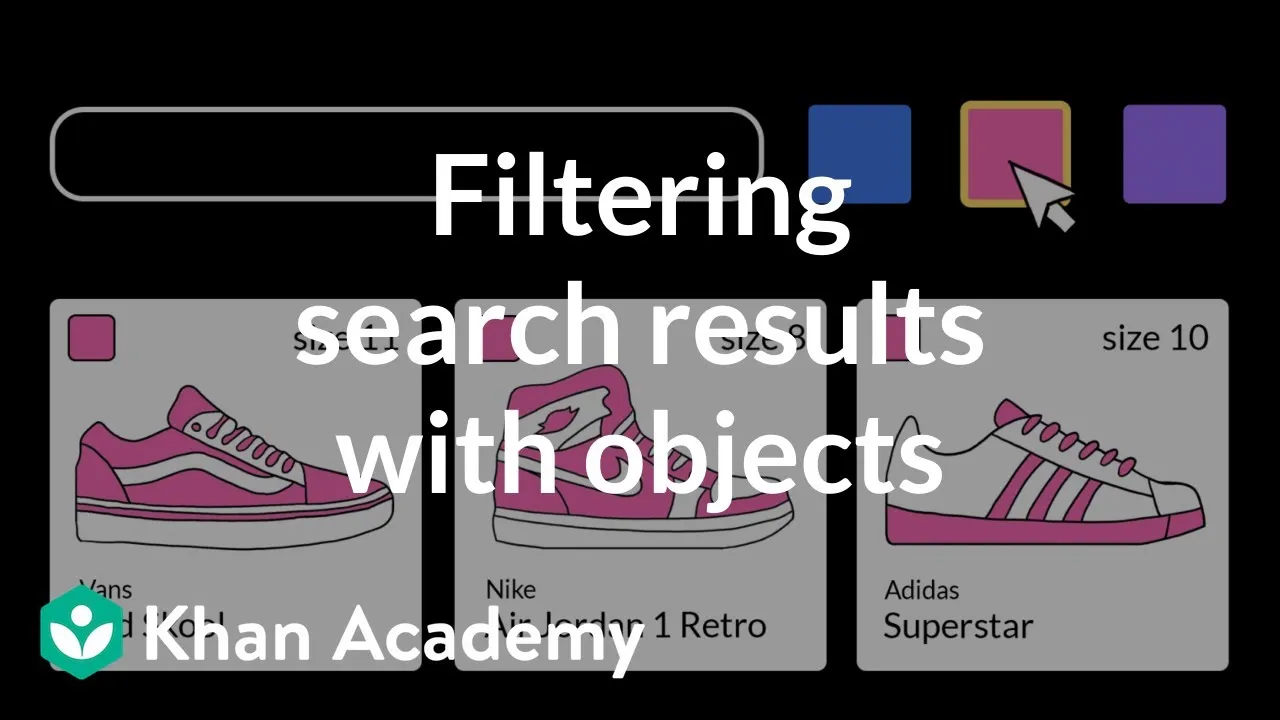
How to Build a Search Bar for Your Shoe Store in Python
This tutorial will guide you through designing a program that models products and implements a search feature, specifically for a shoe store catalog. You will learn how to define a custom data type using classes and attributes in Python, store multiple objects of this type in a list, and then iterate through this list to find matches based on various criteria. We will also cover best practices for organizing your code, handling object representation for display, and implementing flexible search logic, including partial and case-insensitive matching.
1. Define Your Product (Shoe) Class
To represent each shoe in your catalog, you need a blueprint. In Python, this is done using a class. This class will define the common characteristics (attributes) that all shoes share.
- Start by defining a class named
Shoe. - Implement the
__init__method. This special method is called when you create a newShoeobject. - The
__init__method should accept parameters for each attribute you want to store for a shoe:name,color,brand, andsize. Remember that the first parameter for any instance method in Python is conventionally namedself, which refers to the instance of the object being created. - Inside the
__init__method, assign the values passed in as parameters to attributes of the object using theself.attribute_name = valuesyntax. For example,self.name = name.
2. Create and Store Shoe Objects
Once your Shoe class is defined, you can create individual shoe objects and store them in a collection, such as a list, to represent your product catalog.
- Create instances of your
Shoeclass by calling the class name followed by parentheses, passing in the required arguments (name, color, brand, size) in the order defined in your__init__method. For example:my_shoe = Shoe("Air Jordans", "black and red", "Nike", 8). - To store multiple shoe objects, create an empty list, for instance,
shoe_catalog = []. - Append each created
Shoeobject to this list:shoe_catalog.append(my_shoe). - Add several more
Shoeobjects to populate your catalog.
3. Organize Your Code with Modules (Optional but Recommended)
For better code organization and reusability, it’s a good practice to put your class definitions in separate files called modules.
- Create a new Python file (e.g.,
shoe.py) and place yourShoeclass definition inside it. - In your main program file (where you’ll perform the search), import the
Shoeclass at the top using the syntax:from shoe import Shoe. - If you import the entire module, you would use:
import shoeand then refer to the class asshoe.Shoe.
4. Implement Search Functionality (By Brand)
Now, let’s add the logic to search through your catalog. We’ll start with a simple search by brand.
- Define a function or write the code block that will handle the search. This will involve iterating through your
shoe_cataloglist. - Use a
forloop to go through each item in theshoe_catalog. Assign a descriptive variable name to represent the current shoe being examined in each iteration (e.g.,current_shoe). - Inside the loop, compare the desired search keyword (e.g., the brand the customer is looking for) with the
brandattribute of thecurrent_shoe. - If a match is found (e.g.,
current_shoe.brand == search_keyword), you’ve found a result.
5. Handle Search Results and Object Representation
When a match is found, you’ll want to display useful information to the customer. By default, printing a custom object shows its type and memory address, which isn’t very helpful.
- To improve the display of
Shoeobjects, you can define a special method called__str__within yourShoeclass. This method should return a string that represents the object in a user-friendly format. - Inside the
__str__method, use an f-string or other string formatting techniques to combine the shoe’s attributes into a readable description. For example:return f"{self.name} by {self.brand}, Color: {self.color}, Size: {self.size}". - Now, when you print a
Shoeobject that matches your search criteria, it will display this formatted string.
6. Enhance Search Flexibility
To make the search more powerful, allow customers to search not just by brand, but also by name or color, and implement partial and case-insensitive matching.
- Modify your search logic to check if the search keyword is present in the
nameorcolorattributes, in addition to an exact match for thebrand. - Use the
inoperator for partial matches on strings. For example:if search_keyword in current_shoe.name:. - To make the search case-insensitive, convert both the search keyword and the shoe attributes to lowercase before comparison using the
.lower()string method. For example:if search_keyword.lower() in current_shoe.name.lower():. - Combine these checks using
oroperators so that a match occurs if the keyword is found in the name, color, OR brand (after converting to lowercase for consistency).
Tips and Best Practices
- Avoid Shadowing Names: Be mindful of variable names. If you import a module named
shoe, avoid usingshoeas a variable name within your loop or elsewhere, as it can confuse Python about which ‘shoe’ you are referring to (the module or the object). Rename your loop variable to something likecurrent_shoe. - Modular Design: Placing class definitions in separate files (modules) makes your code cleaner, easier to manage, and promotes reusability across different projects.
- User-Friendly Output: The
__str__method is crucial for providing meaningful output when objects are printed or displayed. - Extensibility: This basic structure can be extended to include more attributes (e.g., price, material) and more sophisticated search filters (e.g., size range, specific colors).
Prerequisites
- Basic understanding of Python programming concepts.
- Familiarity with variables, data types (strings, integers), lists, and loops.
- Access to a Python interpreter or an Integrated Development Environment (IDE).
Source: Program design: search bar | Intro to CS – Python | Khan Academy (YouTube)