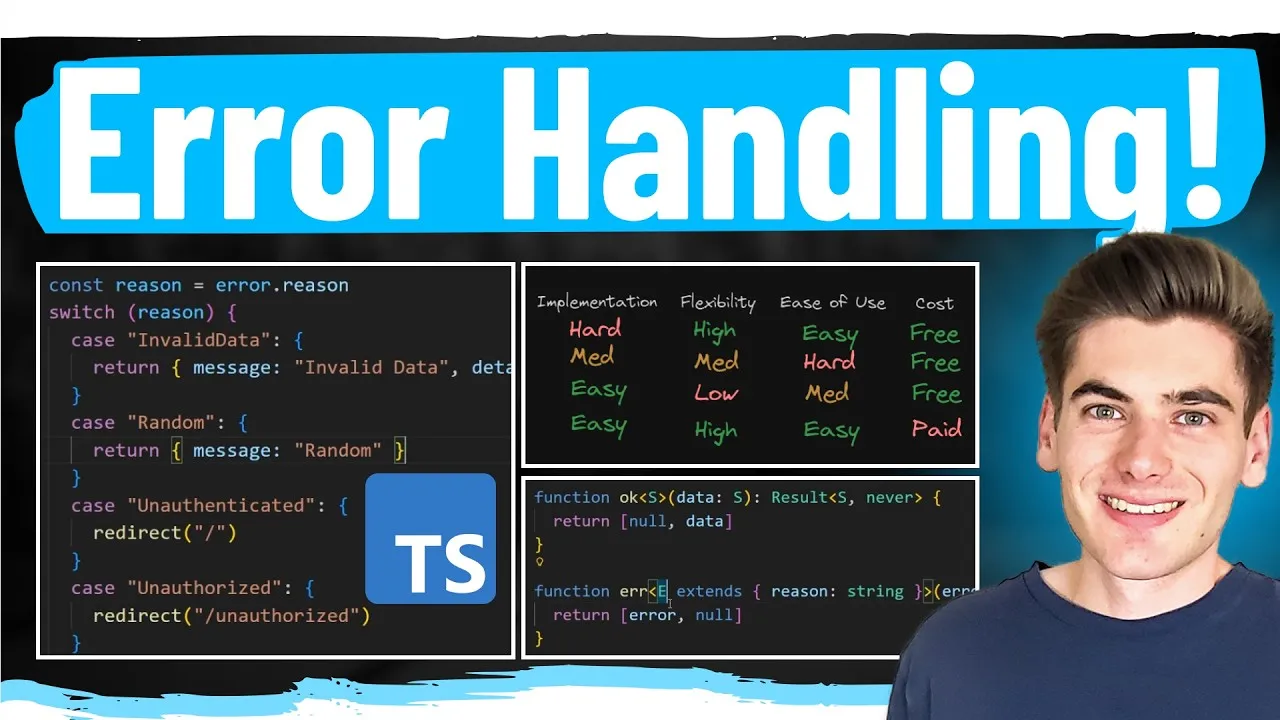
Master Error Handling Like a Senior Developer
Handling errors effectively is a hallmark of experienced developers. While basic error handling might involve direct responses like redirects or messages within try-catch blocks, this approach quickly becomes unmanageable and lacks robustness. This guide will show you how to architect your code for scalable, type-safe error handling that benefits both your application’s logic and its maintainability.
Overview
In this tutorial, you will learn how to:
- Identify common pitfalls in junior developer error handling.
- Refactor duplicated error handling logic into a reusable service layer.
- Implement custom error types for better error differentiation.
- Utilize the Result type pattern for compile-time safety and improved error management.
- Apply these concepts to both server-side actions and API routes.
Prerequisites
- Basic understanding of JavaScript/TypeScript.
- Familiarity with a web framework (e.g., Next.js, though concepts are transferable).
- Understanding of asynchronous programming concepts.
Step 1: Understanding the Problem with Naive Error Handling
Let’s start with a common scenario: creating a project. A junior developer might handle errors directly where they occur. For example, checking user roles, validating data, and attempting a database operation within a single function.
Consider a createProject function. It might look like this:
// Example of naive error handling
function createProject(data) {
 if (!userIsAdmin) {
 return redirect('/login');
 }
 if (!isValidData(data)) {
 return showMessage('Invalid data');
 }
 try {
 // Database call
 const project = db.create(data);
 revalidatePath('/projects');
 return project;
 } catch (error) {
 return 'Unexpected error';
 }
}
This approach has several issues:
- Duplication: If you need to create a project via an API endpoint, you’d likely copy and paste this logic, leading to duplicated code.
- Inconsistent Responses: APIs shouldn’t use redirects; they should return structured error responses (e.g., JSON).
- Lack of Reusability: Error handling logic is scattered, making it hard to reuse or modify consistently.
- Potential for Unhandled Errors: Missing a
try-catchcan crash the application.
Step 2: Extracting Logic into a Service Layer
To combat duplication, we can move the core logic into a dedicated service. This service will focus on the business logic and throw errors when specific conditions are met, rather than handling the response directly.
Create a services/projectService.ts file:
// services/projectService.ts
import { redirect } from 'next/navigation'; // Example import

export async function createProjectService(data: ProjectFormData) {
 const user = await getCurrentUser();
 if (!user.isAdmin) {
 throw new Error('UNAUTHENTICATED'); // Throw specific error
 }

 if (!isValidData(data)) {
 throw new Error('INVALID_DATA'); // Throw specific error
 }

 try {
 const project = await db.create(data);
 return project; // Return success data
 } catch (error) {
 throw new Error('UNEXPECTED_ERROR'); // Throw generic error
 }
}
Now, your action or API route can call this service and handle the thrown errors appropriately.
Step 3: Implementing Custom Error Types
Throwing generic Error objects makes it difficult to distinguish between different failure scenarios. Custom error classes provide clarity and allow for specific handling.
Define custom error classes:
// utils/errors.ts
export class UnauthenticatedError extends Error {
 constructor(message: string = 'Unauthenticated') {
 super(message);
 this.name = 'UnauthenticatedError';
 }
}

export class UnauthorizedError extends Error {
 constructor(message: string = 'Unauthorized') {
 super(message);
 this.name = 'UnauthorizedError';
 }
}

export class InvalidDataError extends Error {
 constructor(message: string = 'Invalid data') {
 super(message);
 this.name = 'InvalidDataError';
 }
}
Update the service to throw these custom errors:
// services/projectService.ts (updated)
import { UnauthenticatedError, UnauthorizedError, InvalidDataError } from '@/utils/errors';

export async function createProjectService(data: ProjectFormData) {
 const user = await getCurrentUser();
 if (!user.isAdmin) {
 throw new UnauthenticatedError();
 }

 if (!isValidData(data)) {
 throw new InvalidDataError();
 }

 try {
 const project = await db.create(data);
 return project;
 } catch (error) {
 // Log the actual error for debugging
 console.error(error);
 throw new Error('Unexpected error occurred'); // Generic error for client
 }
}
In your action or API route, you can now use instanceof to check the error type:
// Example action handler
import { createProjectService } from '@/services/projectService';
import { UnauthenticatedError, UnauthorizedError, InvalidDataError } from '@/utils/errors';
import { redirect } from 'next/navigation';

export async function handleCreateProject(formData: ProjectFormData) {
 try {
 const project = await createProjectService(formData);
 revalidatePath('/projects');
 redirect('/projects');
 return project;
 } catch (error) {
 if (error instanceof UnauthenticatedError) {
 redirect('/login');
 } else if (error instanceof UnauthorizedError) {
 redirect('/unauthorized');
 } else if (error instanceof InvalidDataError) {
 return { error: 'Please provide valid project details.' };
 } else {
 return { error: 'An unexpected error occurred.' };
 }
 }
}
Step 4: Adopting the Result Type Pattern for Type Safety
While custom errors improve differentiation, they don’t provide compile-time guarantees that all possible errors are handled. The Result type pattern, often seen in functional programming, addresses this.
A Result type represents a value that can be either a success or a failure. We can create a simple generic Result type in TypeScript.
Creating a Basic Result Type
Define helper functions for success and error states:
// utils/result.ts

// Define a base error structure with a reason
interface BaseError {
 reason: string;
}

// Result type: T for success data, E for error data
export type Result<T, E extends BaseError> =
 | [E, null] // Error case: [error, null]
 | [null, T]; // Success case: [null, successData]

// Helper to create a success result
export function ok<T>(data: T): [null, T] {
 return [null, data];
}

// Helper to create an error result
export function err<E extends BaseError>(error: E): [E, null] {
 return [error, null];
}

// Define specific error types that extend BaseError
export type UnauthenticatedError = BaseError & { reason: 'UNAUTHENTICATED' };
export type UnauthorizedError = BaseError & { reason: 'UNAUTHORIZED' };
export type InvalidDataError = BaseError & { reason: 'INVALID_DATA', details?: any };
export type UnexpectedError = BaseError & { reason: 'UNEXPECTED' };

// Union type for all possible errors
export type AppError = UnauthenticatedError | UnauthorizedError | InvalidDataError | UnexpectedError;
Updating the Service to Use Result Type
Modify the service to return Result<ProjectType, AppError> instead of throwing errors.
// services/projectService.ts (using Result type)
import { ok, err, AppError, Result, InvalidDataError, UnauthenticatedError, UnexpectedError } from '@/utils/result';
import { Project } from '@/types'; // Assume Project type exists

export async function createProjectService(data: ProjectFormData): Promise<Result<Project, AppError>> {
 const user = await getCurrentUser();
 if (!user.isAdmin) {
 return err({ reason: 'UNAUTHENTICATED' });
 }

 if (!isValidData(data)) {
 return err({ reason: 'INVALID_DATA', details: { fields: ['name', 'description'] } });
 }

 try {
 const project = await db.create(data);
 return ok(project);
 } catch (error) {
 console.error(error); // Log the actual error
 return err({ reason: 'UNEXPECTED' });
 }
}
Consuming the Result Type in Actions and APIs
Now, when you call the service, you’ll receive a Result tuple. You must handle both the error and success cases.
Example: Action Handler
// Example action handler using Result
import { createProjectService } from '@/services/projectService';
import { Result, AppError } from '@/utils/result';
import { redirect } from 'next/navigation';

export async function handleCreateProject(formData: ProjectFormData) {
 const [error, project] = await createProjectService(formData);

 if (error) {
 // Handle specific errors
 switch (error.reason) {
 case 'UNAUTHENTICATED':
 redirect('/login');
 break;
 case 'UNAUTHORIZED':
 redirect('/unauthorized');
 break;
 case 'INVALID_DATA':
 // You can use error.details here if needed
 return { message: 'Please provide valid project details.' };
 case 'UNEXPECTED':
 default:
 return { message: 'An unexpected error occurred.' };
 }
 }

 // Success case
 revalidatePath('/projects');
 redirect('/projects');
 // return project; // Or return project data if needed by UI
}
Example: API Route Handler
// Example API route handler using Result
import { createProjectService } from '@/services/projectService';
import { NextApiRequest, NextApiResponse } from 'next';

export default async function handler(req: NextApiRequest, res: NextApiResponse) {
 if (req.method !== 'POST') {
 return res.status(405).json({ message: 'Method Not Allowed' });
 }

 const { name, description } = req.body;
 const [error, project] = await createProjectService({ name, description });

 if (error) {
 switch (error.reason) {
 case 'UNAUTHENTICATED':
 return res.status(401).json({ message: 'Authentication required' });
 case 'UNAUTHORIZED':
 return res.status(403).json({ message: 'Permission denied' });
 case 'INVALID_DATA':
 return res.status(400).json({ message: 'Invalid input data', details: error.details });
 case 'UNEXPECTED':
 default:
 return res.status(500).json({ message: 'Internal server error' });
 }
 }

 // Success case
 return res.status(201).json(project);
}
Benefits of the Result Type Pattern
- Compile-Time Safety: TypeScript enforces that you handle both success and error paths, preventing unhandled errors.
- Clear Intent: The return type explicitly states that the operation can either succeed or fail.
- Reduced Boilerplate: Eliminates the need for deeply nested
try-catchblocks in calling code. - Consistent Error Handling: Provides a standardized way to represent and handle errors across your application.
Conclusion
By moving away from naive, scattered error handling and adopting a structured approach with services, custom errors, and the Result type pattern, you can build more robust, maintainable, and scalable applications. This methodology ensures that errors are not just caught, but are understood and handled appropriately, leading to a better developer experience and a more stable product.
Source: How To Handle Errors Like A Senior Dev (YouTube)