Overview
Discover how to implement branded types in TypeScript to prevent common bugs related to similar IDs and data types. This guide will show you how to define, integrate with Drizzle ORM, and utilize branded types with Zod for enhanced type safety across your application, especially in medium to large-scale projects.
What are Branded Types?
Branded types are a TypeScript-specific technique that allows you to create distinct types from existing ones (like strings or numbers) by adding a unique, non-inspectable property. This prevents accidental misuse of similar types, such as passing a saleId where an invoiceId is expected, even though both might be represented as simple strings.
The Problem: Similar Data Types
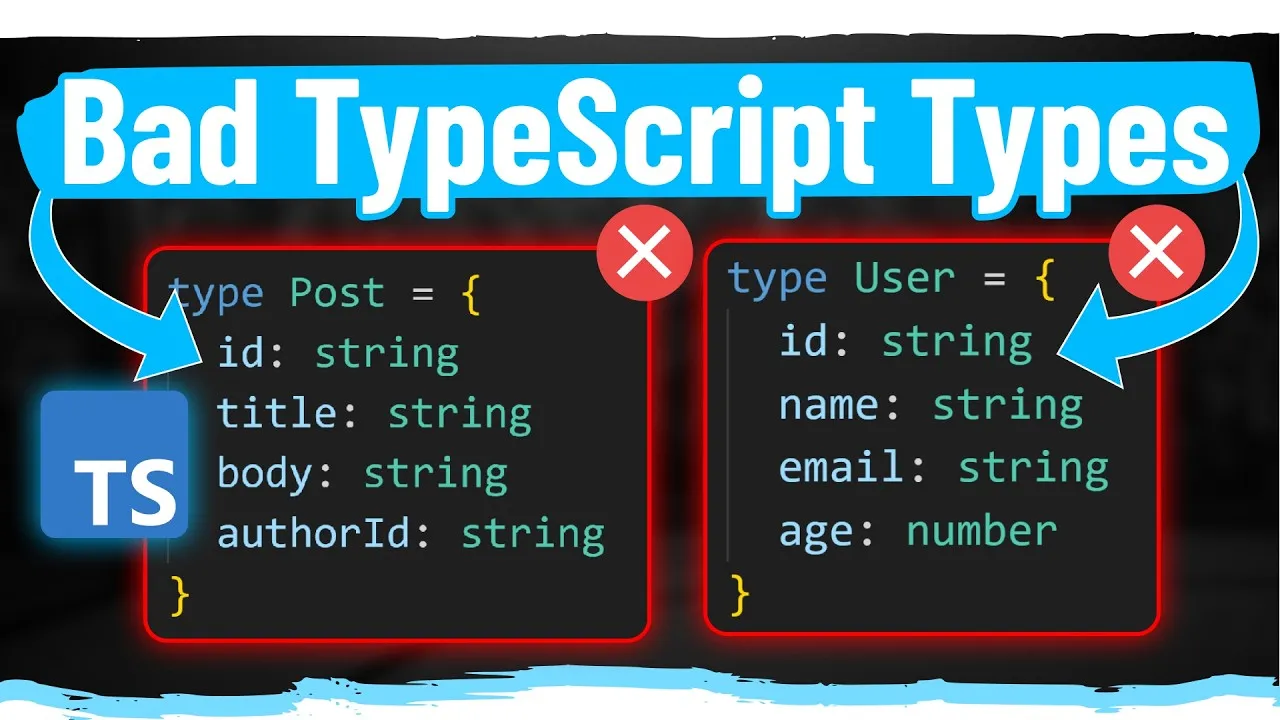
In many applications, especially larger ones, you’ll encounter similar data structures or identifiers. For example, a saleId and an invoiceId might both be simple strings.
If a function expects one but receives the other, it can lead to subtle bugs that are hard to detect. TypeScript, by default, sees both as just strings, offering no protection.
Consider this scenario:
- You fetch user data, which includes
latestSaleIdandlatestInvoiceId. - You have a function
getOrderInformation(orderId: string)that is supposed to fetch details based on an invoice ID. - Accidentally, you pass the
latestSaleIdtogetOrderInformation.
The code might run without immediate errors because both IDs are strings, but it will fetch incorrect data or cause unexpected behavior because the function queries the invoice table, not the sales table.
The Solution: Branded Types
Branded types solve this by creating a unique type for each specific identifier. You can define a branded type by intersecting a base type (like string) with an object that has a unique symbol property. This symbol acts as a private marker, distinguishing your branded type from the base type.
Creating a Basic Branded Type
Let’s create a branded type for InvoiceId:
- Define the Base Type: You know your invoice ID is essentially a string.
- Create a Unique Brand: Use a symbol to ensure uniqueness and privacy. In TypeScript, you can declare a symbol globally for type checking purposes without actually creating it in JavaScript.
- Combine Them: Intersect the base type with an object containing the unique symbol property.
Here’s how to define an InvoiceId type:
// In a separate file, e.g., types.ts

// Declare a unique symbol for type checking purposes
declare const __brand: unique symbol;

// Define the branded type
export type InvoiceId = string & { readonly __brand: unique symbol };

// Helper function to create an InvoiceId from a string
export const toInvoiceId = (id: string): InvoiceId => id as InvoiceId;
Explanation:
declare const __brand: unique symbol;: This tells TypeScript that a symbol named__brandexists globally. It’s purely for type checking and doesn’t exist at runtime.export type InvoiceId = string & { readonly __brand: unique symbol };: This definesInvoiceIdas a type that is astringAND has a unique, read-only property named__brand. Thereadonlykeyword further enhances safety.export const toInvoiceId = (id: string): InvoiceId => id as InvoiceId;: This is a type assertion function. It takes a regular string and tells TypeScript to treat it as anInvoiceId. This is necessary because the__brandproperty isn’t actually added at runtime.
Using Branded Types with Drizzle ORM
Drizzle ORM allows you to specify custom types for your database columns. You can leverage this to ensure that IDs retrieved from the database are correctly typed.
Steps:
- Define your Schema: In your Drizzle schema, when defining a column that represents an ID (like an invoice ID), you can use the
typeproperty to override the default type. - Specify the Branded Type: Instead of letting Drizzle infer it as a
string, tell it to treat it as your custom branded type (e.g.,InvoiceId).
// Example with Drizzle ORM
import { pgTable, serial, varchar } from 'drizzle-orm/pg-core';
import { InferSelectModel } from 'drizzle-orm';
import { InvoiceId } from './types'; // Assuming types.ts is in the same directory

export const invoicesTable = pgTable('invoices', {
 id: serial('id').primaryKey(),
 // Other invoice fields...
});

// When selecting data, you can specify the custom type
// Drizzle's type inference might need help, or you can use a select statement

// Example of how to potentially type the result:
// This part can be tricky and depends on your Drizzle setup and version.
// A common approach is to use a helper or ensure your query builder reflects the type.

// If your query returns the ID as a string, you'll cast it:
// const invoiceData = await db.select(...).from(invoicesTable);
// const invoiceId = toInvoiceId(invoiceData[0].id);

// Alternatively, if Drizzle supports it directly in schema definition for output types:
// export const invoicesTable = pgTable('invoices', {
// id: varchar('id').$type()... // This syntax might vary
// });

// More commonly, you'd cast after retrieval:
// async function getOrderInfo(invoiceId: InvoiceId) { ... }

// In your application code:
// const invoiceRecord = await db.query.invoicesTable.findFirst({ where: ... });
// if (invoiceRecord) {
// const orderInfo = await getOrderInfo(toInvoiceId(invoiceRecord.id));
// }
Note: The exact syntax for specifying custom types in Drizzle might vary slightly based on the version and specific database driver. The key is to ensure that when you retrieve an ID, you treat it as your branded type using a function like toInvoiceId.
Integrating with Zod
Zod is a powerful schema declaration and validation library. You can use branded types with Zod in two primary ways:
Method 1: Zod’s Built-in Branding (Less Compatible)
Zod has its own mechanism for branding, using a .brand() method on a schema.
import { z } from 'zod';

// Zod's own branded type for InvoiceId
const InvoiceIdSchema = z.string().brand('InvoiceId');

// Example usage
const parsedData = InvoiceIdSchema.parse('inv_123'); // This will pass validation

// The type of parsedData will be something like: string & z.BRAND

// HOWEVER: This Zod-specific brand is NOT compatible with your custom InvoiceId type
// const myInvoiceId: InvoiceId = parsedData; // This will cause a type error
Warning: While this provides type safety within Zod’s ecosystem, it creates a Zod-internal branded type that doesn’t directly integrate with your application’s custom branded types unless you add further transformations.
Method 2: Using Zod Transforms with Custom Branded Types (Recommended)
This method uses Zod’s .transform() to convert a validated string into your application’s custom branded type.
import { z } from 'zod';
import { InvoiceId, toInvoiceId } from './types'; // Your custom branded type

// Define the schema for a string, then transform it
const InvoiceIdSchema = z.string().transform((val, ctx) => {
 // Optional: Add runtime validation if needed beyond just string type
 // For example, check if it starts with 'inv_'
 if (!val.startsWith('inv_')) {
 ctx.addIssue({
 code: z.ZodIssueCode.custom,
 message: 'Invalid Invoice ID format',
 });
 return z.NEVER;
 }
 return toInvoiceId(val); // Use your custom type conversion function
});

// Example usage
const potentialInvoiceId = 'inv_abc';
const validatedInvoiceId = InvoiceIdSchema.parse(potentialInvoiceId);

// Now, validatedInvoiceId is correctly typed as InvoiceId
// You can pass it to functions expecting InvoiceId
// getOrderInformation(validatedInvoiceId); // This will now work
Benefit: This approach ensures that data validated by Zod conforms to your application’s specific branded types, providing seamless integration.
Creating Generic Branded Types
To reduce boilerplate, you can create a generic branded type utility.
// In types.ts

declare const __brand: unique symbol;

// Generic Brand type
export type Brand<T, B> = T & { readonly __brand: B };

// Helper function for generic branding
export const withBrand = <T, B>(value: T, brand: B): Brand<T, B> => value as Brand<T, B>;

// Example usage for InvoiceId
export type InvoiceId = Brand<string, 'InvoiceId'>;
export const toInvoiceId = (id: string): InvoiceId => withBrand(id, 'InvoiceId');

// Example usage for a numeric ID, e.g., UserId
export type UserId = Brand<number, 'UserId'>;
export const toUserId = (id: number): UserId => withBrand(id, 'UserId');
This generic approach makes defining various branded types much cleaner.
When to Use Branded Types
Branded types are most beneficial in:
- Medium to Large-Scale Projects: Where complexity increases and the risk of type confusion grows.
- APIs and Data Layers: To ensure that data coming from external sources (databases, external APIs) is correctly interpreted.
- When dealing with similar primitives: Particularly IDs (numeric or string-based), but also applicable to units of measurement (e.g., milliseconds vs. Seconds), status codes, or any situation where a primitive type could have multiple distinct meanings.
Advanced Use Case: Type Guards for Raw Strings
If you have a raw string and need to determine if it *could* be a specific branded type (e.g., for runtime validation or when you don’t have Zod or Drizzle involved), you can use type guards.
import { InvoiceId, toInvoiceId } from './types';

// A simple type guard function
function isInvoiceId(value: unknown): value is InvoiceId {
 // Basic check: is it a string and does it have the expected format?
 // This runtime check is crucial if you're not using Zod/Drizzle validation. Return typeof value === 'string' && value.startsWith('inv_');
}

// Usage
let potentiallyAnInvoiceId: unknown = 'inv_xyz789';

if (isInvoiceId(potentiallyAnInvoiceId)) {
 // TypeScript now knows potentiallyAnInvoiceId is of type InvoiceId
 const invoiceId: InvoiceId = potentiallyAnInvoiceId;
 console.log('It is an Invoice ID:', invoiceId);
 // You can now pass it to functions expecting InvoiceId
} else {
 console.log('It is not an Invoice ID.');
}
Note: While type guards help at runtime, the most robust solution involves integrating branded types at the data retrieval layer (like Drizzle) or validation layer (like Zod) to ensure type safety from the source.
Conclusion
Branded types are an indispensable tool for enhancing type safety in TypeScript applications, particularly as they scale. By creating distinct types for similar primitives, you prevent subtle bugs, improve code clarity, and make your application more robust. Integrate them with your ORM and validation libraries like Drizzle and Zod for comprehensive protection.
Source: Stop Writing Your ID Types Like This (YouTube)