Claude’s New ‘Skills’ Feature Revolutionizes AI Automation for Everyday Tasks
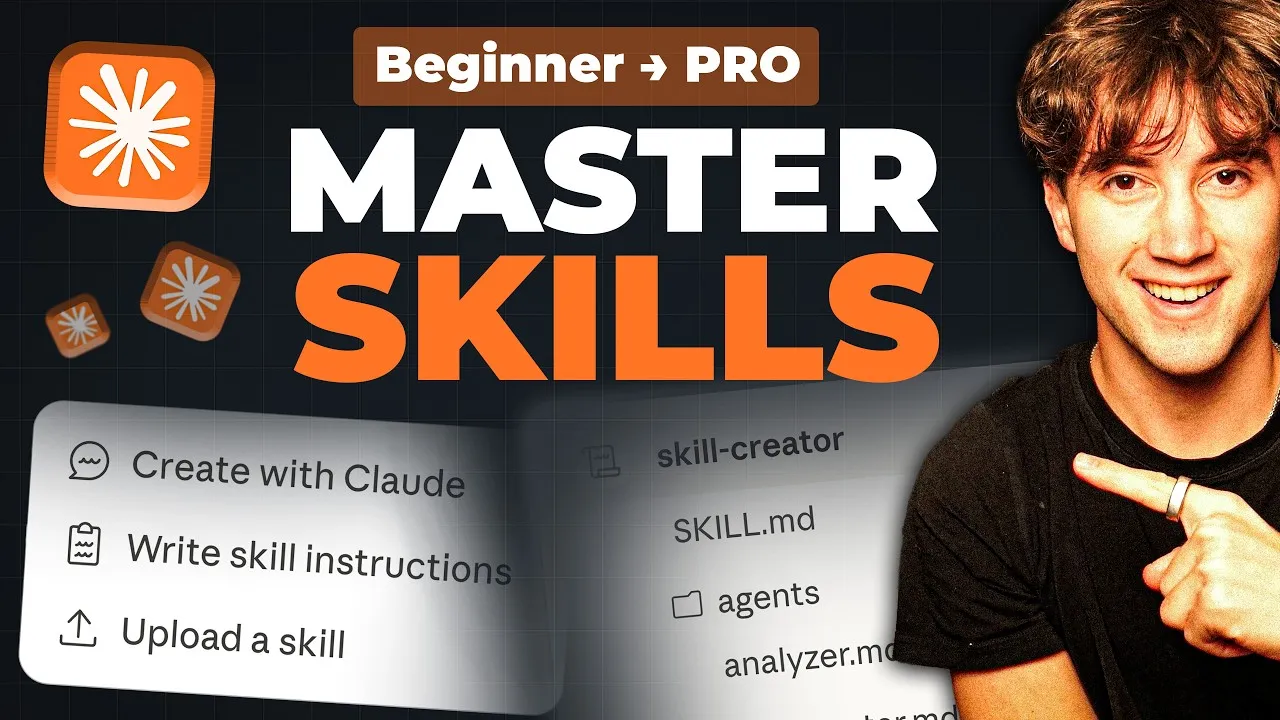
The landscape of AI-powered automation is rapidly evolving, and Claude is making a significant leap forward with its introduction of “Skills.” This innovative feature allows users to create custom, step-by-step automations that mirror their personal workflows, moving beyond generic templates to a highly personalized approach. The system, built around a structured framework, promises to fundamentally change how individuals and businesses leverage AI for task management and operational efficiency.
Understanding the Anatomy of a Claude Skill
At its core, a Claude Skill is an automation designed to perform a specific job or task exactly as the user prefers. Unlike pre-built solutions, Claude Skills are tailored to individual needs and preferences, making AI truly work for the user’s unique processes. The structure of a skill is organized like a file system, comprising folders and files, with instructions embedded within.
The Core: The `skill.md` File
Every skill hinges on a single, indispensable file: `skill.md`. This file, written in markdown (a simple, human-readable text format), serves as the central command center for the automation. It is divided into three critical sections:
- Metadata: This includes the skill’s name and a concise description. The description is crucial for efficiency, as Claude uses it to quickly determine if a skill is relevant to a user’s current request, thus saving computational resources and cost by avoiding unnecessary loading of the entire skill.
- Workflows: This section details the step-by-step instructions for the automation. Users can define intricate, multi-step processes that Claude will execute precisely. For instance, a workflow could involve researching a topic, drafting content in a specific style, and then scheduling it on a platform like LinkedIn.
- Rules: These are the guardrails for the automation, specifying what Claude should and should not do, and providing general direction to ensure the output meets the user’s expectations.
Enhancing Skills with References and Scripts
Beyond the `skill.md` file, Claude Skills can be augmented with additional components that provide deeper context and advanced capabilities:
- References Folder: This folder acts as a repository for blueprints and supporting documents that Claude can refer to during an automation. This can include style guides, brand color palettes, past successful content, financial data, or any information that shapes the desired output or informs the workflow. These static assets provide Claude with the necessary context to perform tasks accurately and consistently.
- Scripts Folder: For tasks that require more than natural language processing, such as interacting with external APIs, complex data processing, or advanced calculations, the `scripts` folder comes into play. Claude can generate code (like Python scripts) that can be executed to perform these specialized actions. This allows for integrations with services not natively supported by Claude’s connectors, enabling actions like AI image generation or sophisticated data manipulation.
The DBS Framework: Direction, Blueprints, Solutions
The entire skill structure is encapsulated by the DBS framework: Direction (the `skill.md` file), Blueprints (the `references` folder), and Solutions (the `scripts` folder). This framework provides a comprehensive approach to building robust and effective AI automations.
Claude Co-work: The Ideal Environment for Skill Development
The video highlights Claude Co-work, a desktop application designed for business owners and professionals. Co-work integrates seamlessly with the user’s local file system, allowing for better organization of skills into “departments.” It offers different modes, including Chat, Code, and Co-work, with the latter being optimized for automation and business tasks. Co-work’s interface provides easy access to the “Customize” tab, where users can manage Skills, Connectors, and Plugins.
Connectors: Bridging Claude with External Apps
Connectors are essential for enabling Claude to interact with other applications such as Gmail, Google Calendar, Notion, Canva, and more. By logging into these services, Claude can perform actions within them as part of a skill’s workflow. This integration is key to creating comprehensive automations that span multiple platforms.
Building a Practical Morning Briefing Skill
The tutorial demonstrates the creation of a practical “Today” skill designed to provide a morning rundown. This skill automates the process of checking Google Calendar for events and Gmail for important emails that require a reply.
The process involves:
- Defining the Skill’s Purpose: The user specifies the desired outcome: a consolidated morning brief.
- Detailing the Workflow: Claude is instructed to check the current time and day, pull calendar events chronologically, identify non-promotional emails from the last 12 hours needing a reply, and then compile this information into a concise, scannable brief.
- Setting a Trigger: The skill is set to activate when the user types the command `/today`.
- Leveraging the DBS Framework: Claude uses the `skill.md` file for direction. Since the output is text and no complex external actions are needed, it doesn’t require blueprints or scripts for this specific skill.
Claude then generates the `skill.md` file and performs automated testing using predefined test cases to ensure the skill functions as expected. This evaluation process includes comparing performance with and without the skill active, providing valuable benchmarks.
Upon approval, the “Today” skill is added to the user’s managed skills. When invoked with `/today`, Claude accesses the user’s connected Google Calendar and Gmail to generate a personalized morning summary, showcasing the power of these custom automations.
Why This Matters
The introduction of Claude Skills represents a significant advancement in making AI truly accessible and useful for daily operations. By allowing users to define their own processes, Claude moves beyond a general-purpose assistant to a tailored automation engine. This capability can lead to:
- Increased Productivity: Automating repetitive tasks frees up valuable time for more strategic work.
- Reduced Errors: Consistent execution of defined workflows minimizes human error.
- Personalized AI: AI systems adapt to individual user needs rather than forcing users to adapt to the AI.
- Scalable Business Processes: Businesses can build systems that run autonomously, improving operational efficiency and scalability.
- Democratization of Automation: Complex automation is made accessible through natural language and a structured, yet intuitive, framework, without requiring deep coding expertise for basic to intermediate tasks.
The ability to integrate with existing tools via connectors and extend functionality with custom scripts means that Claude Skills can tackle an ever-expanding range of tasks, from simple daily briefings to complex data analysis and presentation generation. This development signals a future where AI is deeply embedded into the fabric of our work, acting as a proactive and personalized assistant.
Source: Full Claude Skills Tutorial for Beginners in 2026! (Become a PRO) (YouTube)