Unlock Faster AI Interactions by Speaking Instead of Typing
In today’s world, interacting with Artificial Intelligence (AI) is becoming increasingly common, whether you’re using tools like ChatGPT or Claude. While most of us are accustomed to typing our prompts and commands, there’s a significantly more efficient method that can dramatically boost your productivity: speaking to your AI.
The reason is simple: most people speak much faster than they type. This article will guide you through leveraging this natural advantage using a powerful speech-to-text application, WhisperFlow, to streamline your AI interactions.
What You’ll Learn
This tutorial will show you how to:
- Understand the productivity gains of speaking to AI over typing.
- Install and use WhisperFlow, a leading speech-to-text tool.
- Integrate voice commands into your workflow with AI tools like ChatGPT and Claude.
- Take advantage of a special offer to try WhisperFlow for free.
Prerequisites
- A computer (Mac or Windows)
- Access to the internet
- An AI tool you wish to interact with (e.g., ChatGPT, Claude)
Step-by-Step Guide to Voice-Commanding Your AI
Step 1: Understand the Speed Advantage
Consider your own communication habits. You likely articulate your thoughts verbally far quicker than you can type them out. This difference in speed is a significant bottleneck when interacting with AI. By switching from typing to speaking, you can convey your instructions and queries to AI models much faster, leading to quicker responses and overall improved efficiency.
Step 2: Discover WhisperFlow
WhisperFlow is a highly recommended speech-to-text dictation software designed to bridge the gap between your spoken words and digital input. It’s engineered for speed, accuracy, and seamless integration into your existing workflow.
Step 3: Install WhisperFlow
WhisperFlow is available for both Mac and Windows computers. The installation process is straightforward and designed to get you up and running quickly. Visit the official WhisperFlow website to download the appropriate version for your operating system.
Step 4: Configure WhisperFlow
Once installed, WhisperFlow is incredibly easy to use. The application allows you to assign a specific function key (a key combination you press) to activate its dictation feature. When you press this key, WhisperFlow begins listening to your voice.
Step 5: Dictate Your Commands
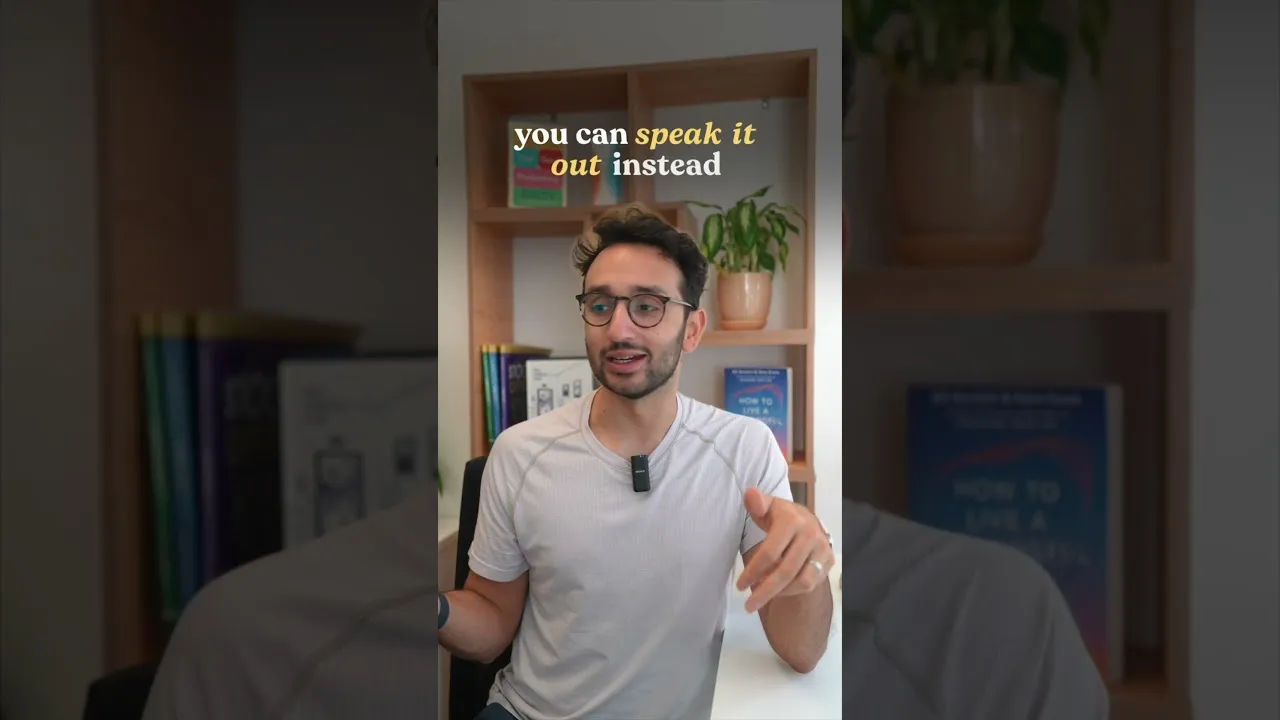
With WhisperFlow active and your cursor placed in the input field of your chosen AI tool (like a chat window for ChatGPT or Claude), simply press your designated function key and start speaking. Whatever you say will be transcribed into text in real-time and inserted directly where your cursor is.
Example: Instead of typing “Write a blog post outline about the benefits of renewable energy,” you would press your function key, say the sentence, and WhisperFlow would type it out for you.
Step 6: Seamless AI Interaction
The beauty of WhisperFlow is its seamless integration. It works in the background, and once you’ve dictated your text, it’s ready to be sent to the AI. This means you bypass the slower typing process entirely. Even if you’re a fast typist – for example, at 154 words per minute – speaking is almost universally faster, allowing for a more fluid and rapid interaction with AI models.
Step 7: Experience WhisperFlow’s Design and Performance
WhisperFlow is praised for its clean, user-friendly design. It operates efficiently without being intrusive, meaning you won’t even notice it’s there unless you actively need to use it. Its speed and accuracy in transcribing speech are exceptional, making it a reliable tool for productivity.
Step 8: Try WhisperFlow for Free
To encourage users to experience the benefits of voice-to-AI interaction, WhisperFlow offers a special promotion. Visit whisperflow.ai/AI/Ali and use the code Ali when prompted during signup. This will grant you one month of WhisperFlow completely free, allowing you to test its capabilities without any cost.
Expert Tip: Practice Makes Perfect
While WhisperFlow is highly accurate, like any dictation software, occasional minor corrections might be needed. Practice speaking clearly and at a moderate pace. Familiarize yourself with the function key shortcut so you can activate and deactivate the dictation quickly. This small habit change can lead to significant time savings over weeks and months.
Warning: Privacy Considerations
Always be mindful of what you are dictating, especially when using any software that records your voice. Ensure you are comfortable with the privacy policies of WhisperFlow and any AI service you are using. Avoid dictating highly sensitive personal or proprietary information unless you are certain of the security measures in place.
Conclusion
By embracing voice input with tools like WhisperFlow, you can transform your interactions with AI. Move beyond the limitations of typing and tap into the natural speed of your voice to communicate more effectively and efficiently with artificial intelligence. Give WhisperFlow a try and experience the productivity boost for yourself.
Source: My favourite way to interact with AI #ad (YouTube)