How to Build a Course Enrollment System in Python with Objects
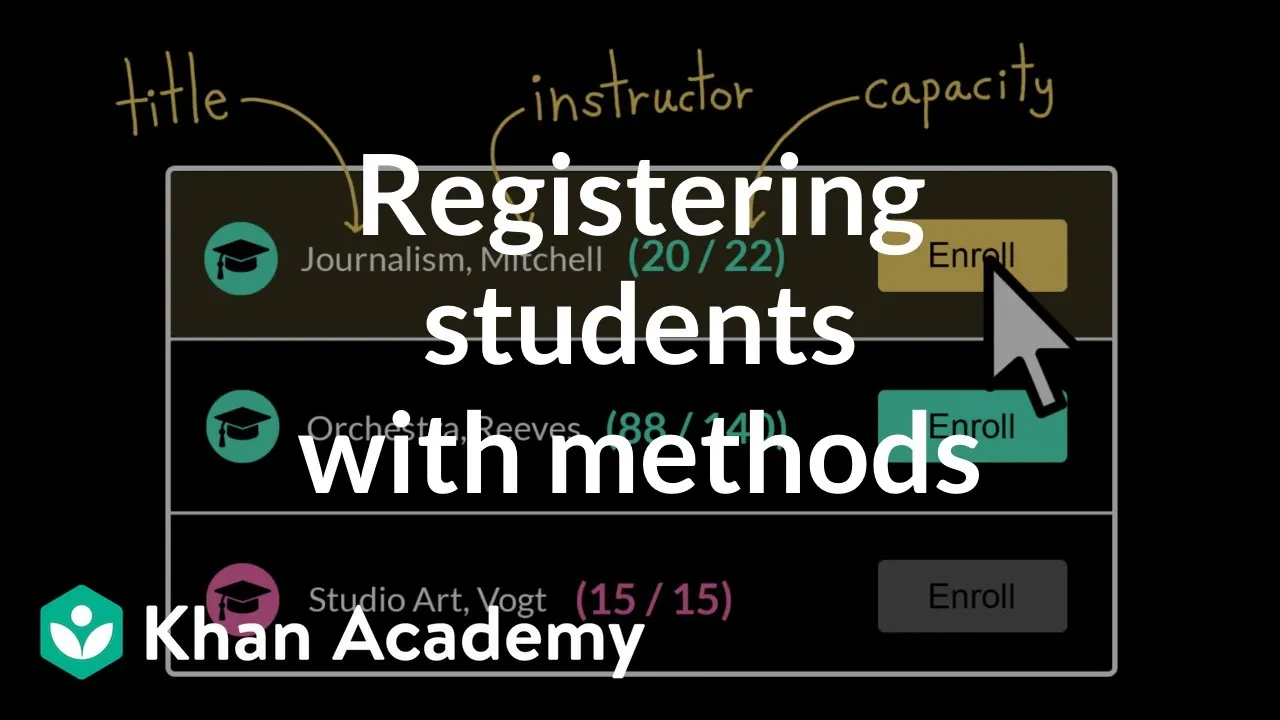
This tutorial will guide you through designing and implementing a simple course enrollment system using object-oriented programming principles in Python. You will learn how to create a Course class that manages its own information, handles student enrollment and unenrollment, and enforces capacity limits. We will also cover how to represent course objects as strings and add validation to prevent common errors.
Prerequisites
- Basic understanding of Python syntax.
- Familiarity with Python functions and variables.
- A Python development environment set up (e.g., an IDE or text editor and a Python interpreter).
Steps
Define the
CourseClass StructureBegin by creating a Python file (e.g.,
course.py) to house yourCourseclass. This class will represent a single course offered by the school. Each course needs to store its title, instructor, maximum capacity, and a list of enrolled students.Start with the
__init__method. This special method is called when you create a newCourseobject. It takes parameters for the course’s title, instructor, and capacity. You’ll also initialize an empty list calledrosterto keep track of enrolled students. Therosterattribute should start empty, so it’s assigned an empty list ([]) during initialization.class Course: def __init__(self, title, instructor, capacity): self.title = title self.instructor = instructor self.capacity = capacity self.roster = []Implement String Representation for
CourseObjectsBy default, printing a Python object gives a generic, unhelpful representation. To make it more informative, you can define the special
__str__method. This method dictates how aCourseobject should be represented as a string.The
__str__method must accept the object itself (conventionally namedself) as its first parameter. Inside this method, you’ll construct a string that includes relevant course information. Initially, let’s include the course title and instructor. To access these attributes, useself.attribute_name.To provide more detail, you can also display the number of students currently enrolled versus the total capacity. This involves getting the length of the
rosterlist and comparing it with thecapacityattribute.class Course: # ... (init method from step 1) ... def __str__(self): enrolled_count = len(self.roster) return f"{self.title} with {self.instructor}. Enrolled: {enrolled_count}/{self.capacity}"Expert Note: The
__str__method is crucial for debugging and user-friendly output. It allows you to quickly inspect the state of your objects.Add Enrollment and Unenrollment Methods
Now, let’s add the core functionality: enrolling and unenrolling students. These will be methods within the
Courseclass.The
enrollmethod will take a student’s name as a parameter. Its job is to add the student’s name to therosterlist. Theunenrollmethod will do the opposite: it will remove a student’s name from theroster.class Course: # ... (init and __str__ methods) ... def enroll(self, student_name): self.roster.append(student_name) def unenroll(self, student_name): self.roster.remove(student_name)Warning: Using
list.remove()directly can cause aValueErrorif the item is not found in the list. We’ll address this in later steps.Implement Capacity Checking
A critical feature is preventing enrollment when a course is full. To do this, create a helper method, perhaps called
is_full, which returnsTrueif the number of enrolled students equals or exceeds the course capacity, andFalseotherwise.class Course: # ... (init, __str__, enroll, unenroll methods) ... def is_full(self): return len(self.roster) >= self.capacityIntegrate Capacity Check into Enrollment
To prevent bugs, it’s best to encapsulate the validation logic directly within the
enrollmethod. Before adding a student to the roster, check if the course is already full using theis_fullmethod.If
is_full()returnsTrue, theenrollmethod should simply do nothing and exit. You can call other methods within the same object usingself.method_name(). So, to callis_full, you’ll useself.is_full().class Course: # ... (init, __str__, unenroll, is_full methods) ... def enroll(self, student_name): if self.is_full(): print(f"Cannot enroll {student_name}. Course is full.") return # Exit the method if full self.roster.append(student_name) print(f"{student_name} enrolled successfully.")Add Validation to Unenrollment
The
unenrollmethod needs refinement. If you try to remove a student who isn’t in the roster, Python will raise aValueError. Before attempting to remove a student, check if they are actually enrolled.You can do this by checking if the
student_nameis present in theself.rosterlist.class Course: # ... (init, __str__, enroll, is_full methods) ... def unenroll(self, student_name): if student_name in self.roster: self.roster.remove(student_name) print(f"{student_name} unenrolled successfully.") else: print(f"Error: {student_name} not found in roster.")Prevent Duplicate Enrollments
Another potential issue is a student enrolling in the same course multiple times. Modify the
enrollmethod to check if the student is already in the roster before adding them.Add a check at the beginning of the
enrollmethod to see ifstudent_nameis already inself.roster. If they are, print a message and exit the method.class Course: # ... (init, __str__, unenroll, is_full methods) ... def enroll(self, student_name): if self.is_full(): print(f"Cannot enroll {student_name}. Course is full.") return if student_name in self.roster: print(f"{student_name} is already enrolled.") return self.roster.append(student_name) print(f"{student_name} enrolled successfully.")Test Your Enrollment System
Create a separate file (e.g.,
main.py) to test yourCourseclass. Import theCourseclass from yourcourse.pyfile. Instantiate aCourseobject with specific details. Then, simulate enrollments and unenrollments to verify that all methods work as expected, including capacity limits and validation checks.For example:
# In main.py
from course import Course

# Create a course with a small capacity to test limits
journalism_course = Course("Introduction to Journalism", "Professor Smith", 5)

print(journalism_course)

students_to_enroll = ["Alice", "Bob", "Charlie", "David", "Eve", "Frank"]

for student in students_to_enroll:
    journalism_course.enroll(student)

print(journalism_course)

# Test unenrollment
journalism_course.unenroll("Charlie")
journalism_course.unenroll("Zoe") # Test unenrollment of non-existent student

print(journalism_course)

# Test duplicate enrollment
journalism_course.enroll("Alice")

print(journalism_course)
Run
main.py. Observe the output to ensure enrollments are capped, unenrollments work correctly, and error messages for duplicate or non-existent students are displayed.
Conclusion
You have successfully designed and implemented a Course class in Python that handles student enrollments, manages course capacity, and includes essential validation logic. This object-oriented approach makes your code more organized, reusable, and less prone to errors. The next step could involve implementing features like a waiting list for courses that are full.
Source: Program design: course enrollment | Intro to CS – Python | Khan Academy (YouTube)