Claude Projects: Organize AI Workflows for Better Results
Artificial intelligence tools like Claude are becoming incredibly powerful, but using them effectively often requires more than just casual chat. The key to unlocking Claude’s full potential lies in organizing your interactions into structured ‘projects.’ This approach transforms Claude from a simple question-and-answer tool into a dedicated workspace that remembers context, documents, and custom instructions, allowing for more strategic and efficient AI-assisted work.
What Are Claude Projects?
Traditionally, when you use an AI chatbot like Claude, each new conversation starts fresh. The AI doesn’t remember your previous discussions, your business details, or your specific goals. This means you have to re-explain everything each time you return, which is time-consuming and inefficient. Claude Projects solve this problem by creating dedicated, contained workspaces.
Think of a project as a specialized digital room for a specific task or area of your work. Within a project, Claude can maintain context across all your conversations, no matter when they happened. It remembers uploaded documents, custom instructions you’ve set, and even learns preferences from your interactions, all within that project’s boundaries. This ensures you’re not starting from scratch every time, making Claude a much more useful and consistent assistant over time.
When to Use a Project
The general rule of thumb is simple: if you need Claude to behave differently or maintain specific knowledge for a particular type of work, create a project. For casual questions like asking for restaurant recommendations or checking the weather, a standard chat is fine. However, for tasks requiring deep thought, strategic planning, or consistent reference to specific information, a project is essential.
Examples include strategizing about your business, developing a new product, scripting videos, analyzing data, or managing complex documentation for a company. By segmenting these activities into projects, you ensure Claude has the right context and instructions for each distinct area of your work.
Setting Up Your First Project
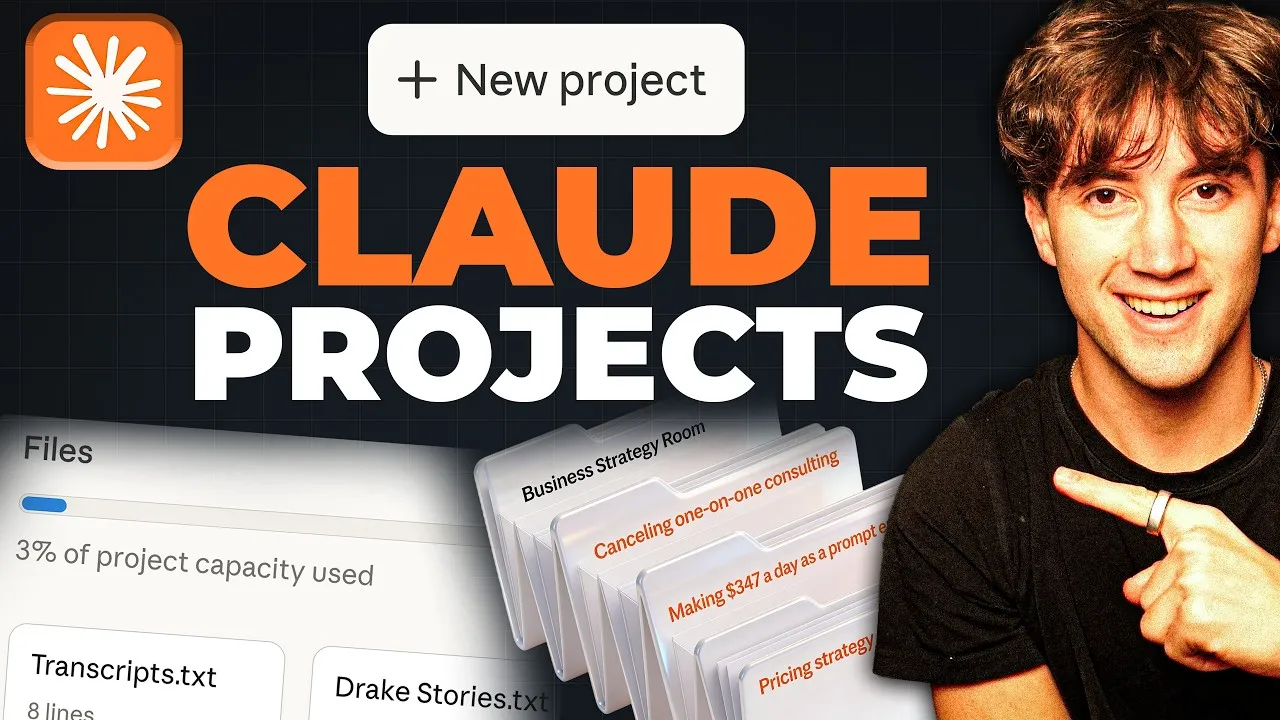
Creating a project in Claude is straightforward. Navigate to the projects section and select ‘New Project.’ You’ll be prompted to give your project a name and a brief description of its purpose. For instance, a project for business strategy might be named ‘Business Strategy Room’ with a description like, ‘This project is for ongoing business strategy discussion to hit goals faster and maintain context around ideas generated within Claude.’ These details help you quickly identify the project’s purpose later.
Once created, the project appears as a dedicated space. You can ‘favorite’ it to pin it to your sidebar for easy access. Inside the project, you’ll find a prompt bar for conversations, just like a regular chat. However, the key differences lie in the project’s unique features:
Project Memory
As you interact with Claude within a project, it can pick up on specific details or preferences and store them in its ‘project memory.’ This acts like an automatic update to Claude’s instructions for that specific project, allowing it to learn about you and your work without constant explicit input.
Project Instructions
Beyond the general instructions you might set for Claude globally (like your name or work description), projects allow for highly specific, ‘project-level’ instructions. These instructions dictate how Claude should behave, respond, and what kind of output you expect within that particular project. For example, you can instruct Claude to always reference specific files, respond in tables, avoid certain phrases, or even critique your ideas rather than just validating them.
This is a powerful way to tailor Claude’s behavior. You can tell it to act as a ‘business strategist,’ to ‘always reference my business overview document,’ to ‘use real numbers and goals,’ to ‘poke holes in my ideas,’ or to ‘name the trade-offs for every recommendation.’ This ensures Claude’s output is not only relevant but also aligned with your strategic needs and desired communication style.
Project Files
This is perhaps the most crucial element for giving Claude deep context. Within the ‘Files’ section of a project, you can upload documents, PDFs, transcripts, code, or any other relevant text. Unlike standard chats where uploaded files are often lost after the session, files uploaded to a project remain accessible for Claude to reference indefinitely within that project.
A foundational document for any business project is a ‘Business Overview.’ This document can include details like company identity, revenue model, offer stack, team structure, market position, growth profile, and, critically, 90-day priorities. By uploading this, Claude can provide highly tailored advice grounded in your specific business reality, rather than generic suggestions.
For example, if you ask Claude about pricing strategy after uploading a business overview, it can analyze your offer stack and revenue numbers to identify potential issues, like a large price jump between offerings, and suggest specific, data-backed solutions. You can upload extensive materials, such as P&L statements, Standard Operating Procedures (SOPs), or even transcripts of long videos. Claude can index and retrieve information from these large files efficiently, using techniques like Retrieval-Augmented Generation (RAG) to find specific details when you ask questions.
Claude Desktop App and Co-work Projects
While Claude’s web interface is powerful, the Claude desktop application offers enhanced capabilities, particularly through ‘Claude Co-work’ projects. These projects are more task-focused and outcome-oriented than web-based projects.
Claude Co-work projects allow Claude to interact with files directly on your computer and can automatically save outputs. This is ideal for complex, multi-step tasks. For example, you could set up a ‘Content Repurposing System’ project where Claude takes YouTube video transcripts (uploaded as files) and generates LinkedIn posts based on specific instructions and an ‘anti-AI slop’ document designed to make the content sound more human.
Web projects are generally better for team collaboration if you have a Claude Teams account, allowing shared project environments. Desktop projects, however, are local and more geared towards individual, outcome-driven workflows.
Why This Matters
The introduction of Claude Projects represents a significant step towards making AI a more integrated and indispensable tool for professionals. By moving beyond simple conversational AI, Claude Projects enable users to build persistent, context-aware workflows. This means AI can become a true partner in strategic thinking, content creation, and complex problem-solving.
For businesses, this translates to faster decision-making, more personalized content, and improved operational efficiency. For individuals, it means getting more done with less repetitive explanation and a higher quality of AI-assisted output. The ability to upload extensive documentation and provide detailed instructions ensures that the AI’s advice is not only relevant but also deeply informed by your unique circumstances, leading to more actionable insights and better outcomes.
Source: FULL Claude Projects Guide For Beginners in 2026! (Become a PRO) (YouTube)