Slash AI Costs: Run Powerful Agents for Pennies
Paying for AI chatbots like ChatGPT or Claude can quickly add up. If you use advanced AI agents, especially open-source ones like Open-Corglet, the costs can become significant.
Many users spend $20, $40, or even $80 per month just on API credits. Now, there’s a way to dramatically reduce these expenses, bringing them down to almost nothing.
Why Are AI Models Expensive?
The high cost comes from the powerful AI models that these agents use. Models like Claude and GPT are considered premium services. Even when using open-source models through services like Open Router, you still face extra fees.
Open Router acts as a middleman, routing your requests to someone else’s computer hardware (GPUs) and adding its own small charge. This means you pay for the computing power, the routing service, and the profit margin of the hardware provider. These costs add up quickly with frequent use.
The Solution: Cut Out the Middleman
The key to saving money is to bypass these intermediaries. HPC AI is a company that directly owns and operates its own powerful GPU hardware. They have built major open-source AI training tools, like Colossal AI, and recently launched a service that gives direct access to leading open-source AI models on their own hardware.
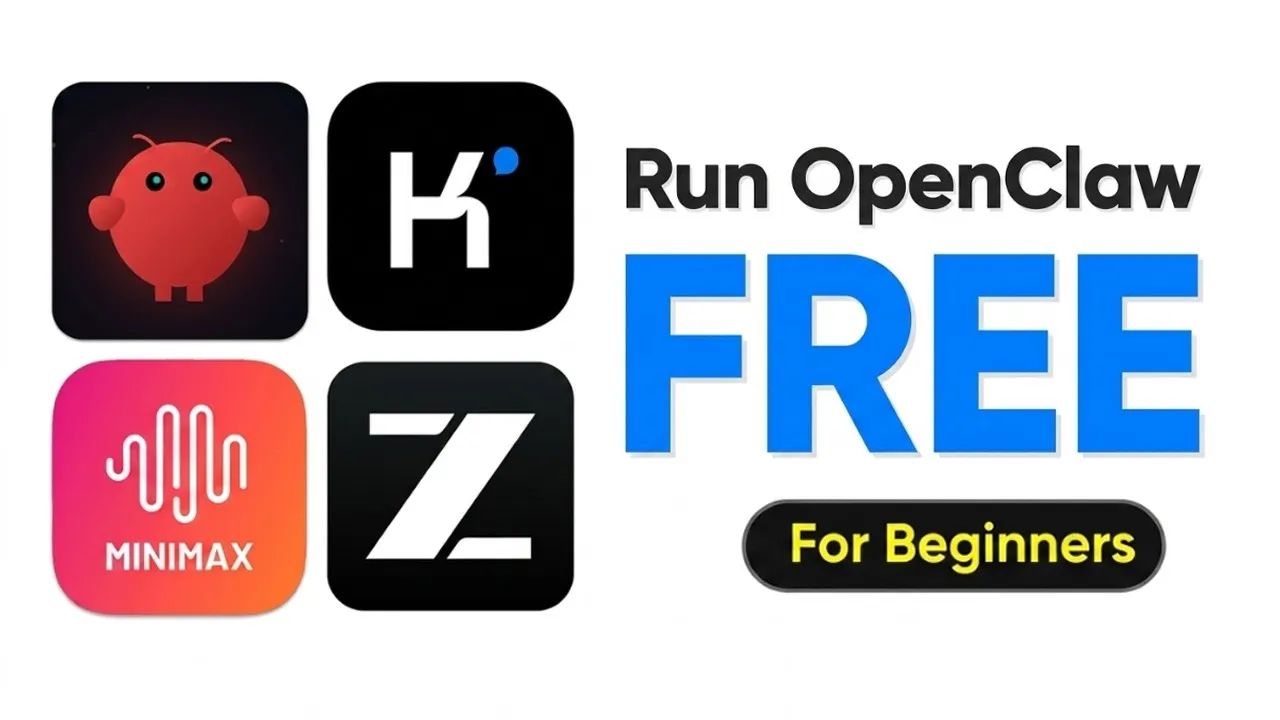
This means no routing fees and no extra platform charges. You get direct access to cutting-edge models like Minimax M2.5 and Kimmy K2.5, which perform exceptionally well on benchmarks and offer advanced features like multimodal context understanding.
Significant Savings on AI Models
Using HPC AI’s direct service can lead to substantial savings compared to other providers. For the Kimmy K2.5 model, you could save between 65% and 70%. For the Minimax model, the savings are around 53%.
These figures represent direct savings from the provider, not including the even higher costs from other, more expensive services. These savings can add up quickly, especially for heavy users.
How to Set Up and Run Open-Corglet with HPC AI
Getting started is straightforward. You’ll need to sign up for an HPC AI account, which can be done through a free trial. Once logged in, navigate to the console and then the models section.
Here, you can generate an API key. This key is essential for connecting your AI agent to the HPC AI service.
For running the agent, you have a few options. If you have a powerful local machine like a Mac Mini, you can use that. However, for broader accessibility and reliability, setting up a Virtual Private Server (VPS) is recommended.
Services like Hostinger offer KVM VPS plans that are quite affordable, often around $8 per month. This is significantly cheaper than paying for premium AI API credits.
When setting up your VPS, choose an Ubuntu operating system and consider enabling the Docker manager for easier future management. Once your VPS is running, you’ll access it through a terminal. The setup involves a few command-line steps:
- Upgrade your server’s software packages.
- Install Node.js version 22.
- Verify the Node.js installation.
- Install the Open-Corglet agent.
- Verify the Open-Corglet installation.
- Install and run the Open-Corglet agent as a service.
Configuring Open-Corglet for Direct API Use
During the Open-Corglet setup, you’ll encounter configuration options. You can generally skip most of them for now, especially model and provider settings, by selecting ‘skip for now’ or ‘keep current by default’.
However, it’s important to configure the API key later. The setup guide provides clear instructions, often allowing you to copy and paste commands directly.
After the initial installation, you’ll need to switch the model provider to use HPC AI. This involves updating a configuration file with your HPC AI API key.
If you’re unsure, you can use AI assistants to help format the key correctly. Once updated, restart the Open-Corglet service.
To confirm the connection, you can open the Open-Corglet chat interface and send a message. The system should indicate that it’s using the HPC AI service, and you can verify this by checking the model being used, such as ‘HPC Minimax 2.5’. You can switch between available models like Kimmy and Minimax using a simple command within the chat interface.
Real-World Cost Savings
The difference in cost is striking. After using Open-Corglet with HPC AI for several hours, the cost was only a few cents. For example, using the Kimmy model for multiple messages cost less than one cent.
This is a massive reduction compared to traditional API costs. Users can easily top up their credits on the HPC AI platform as needed, making it a highly cost-effective solution for anyone using AI agents.
Why This Matters
This development significantly lowers the barrier to entry for using advanced AI agents. Previously, the cost of API calls was a major limiting factor for individuals and small businesses.
By providing direct access to powerful open-source models at a fraction of the price, HPC AI makes sophisticated AI tools accessible to a much wider audience. This could accelerate innovation, enable more experimentation, and lead to new applications of AI that were previously too expensive to develop or deploy.
The availability of cost-effective, high-performance open-source models also fosters greater competition and transparency in the AI industry. Users are no longer locked into expensive proprietary services and can choose the best models for their needs based on performance and cost, rather than just vendor lock-in. As more models become available on platforms like HPC AI, the potential for creative and practical AI applications will continue to grow.
Source: How To Run Openclaw For Free (YouTube)