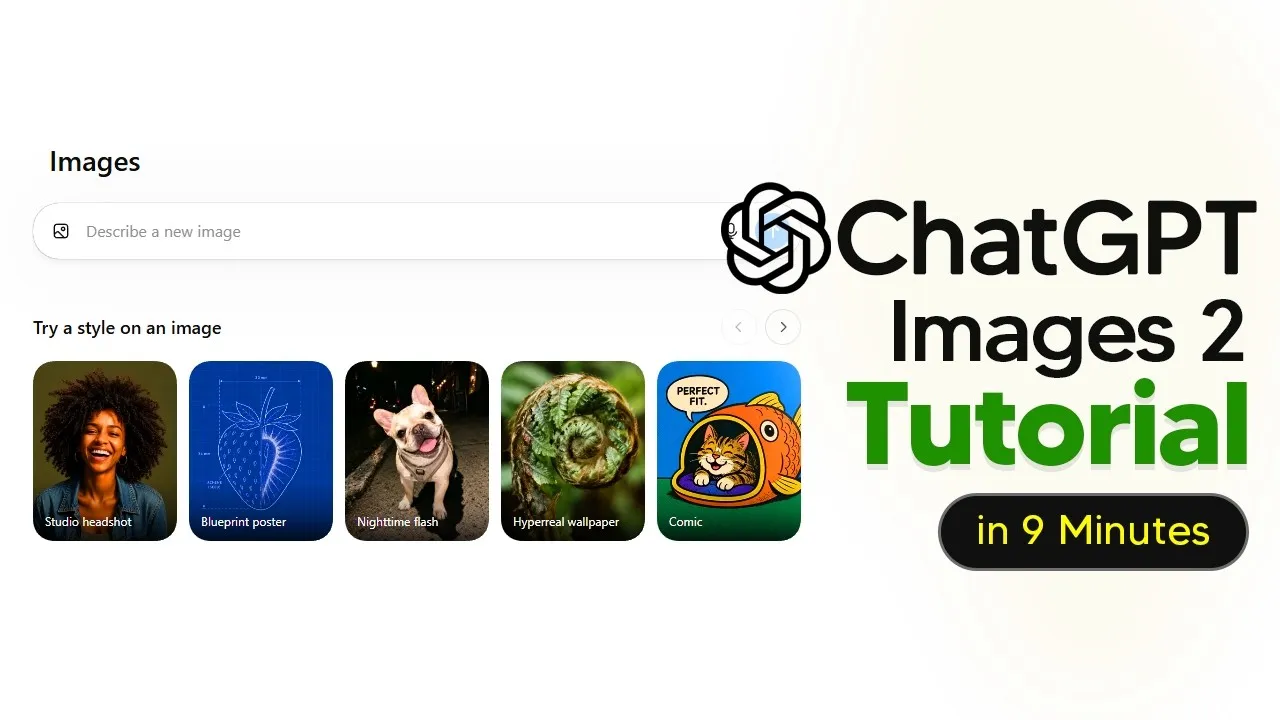
ChatGPT Image Tool Learns To Research & Design
OpenAI’s ChatGPT has a new trick: it can now create images by first researching and understanding information, not just by following simple text prompts. This update makes the AI a more powerful tool for creative tasks, acting less like a simple image generator and more like a visual assistant.
This new capability allows ChatGPT to gather references, conceptualize ideas, and then turn that understanding into a visual. Previously, users had to describe exactly what they wanted in an image. Now, the AI can be instructed to perform research tasks before designing, leading to more detailed and relevant outputs.
From Simple Prompts to Complex Tasks
Imagine asking ChatGPT to create an advertisement for OpenAI merchandise. A basic prompt might just describe the ad’s appearance. The new method encourages a more detailed approach: “Research the most recent OpenAI merch drops, identify the rarest items, estimate their resale value, then create a polished mock-up advertisement featuring these products with accurate labels and clean OpenAI branding.” This detailed instruction gives the AI a clear job: research first, then design.
This shift transforms how users interact with the tool. Beginners might still use it like a simple image generator, but advanced users can now treat it like a designer who can browse the internet for inspiration and information. This difference directly leads to much better final images.
Precise Control Over Image Elements
A key improvement is the AI’s enhanced ability to follow exact instructions, especially for placing objects and text. OpenAI demonstrated this by showing the model placing specific words in precise locations on an image or setting clocks to exact times. This level of control is crucial for tasks like creating graphics where specific layouts are required.
For instance, to create a product photo, a user can now specify: “Create a photorealistic object on a white desk. Place a red apple in the exact center. Put a white coffee mug directly to the right of the apple.
Place three books above the mug.” The AI accurately follows these detailed placement instructions, showing it understands spatial relationships and object order. This precision is invaluable for creators needing exact thumbnail layouts, product mock-ups, or comparison graphics.
Editing and Aspect Ratios Made Easier
The tool also offers more intuitive editing features. Users can select specific parts of a generated image and ask the AI to modify them, like replacing a section with a new element. This granular editing capability is more effective than trying to describe a change broadly, as it ensures the AI knows exactly which part of the image to alter.
Adjusting the aspect ratio, or the shape of an image (like square for Instagram or wide for a banner), is also more streamlined. While the tool doesn’t have a dedicated button for this before generation, users can add the desired aspect ratio to their prompt. The AI then regenerates the image in the correct format, generally preserving image quality during the resize.
From Single Images to Multi-Slide Presentations
Beyond creating single images, ChatGPT Images 2.0 can now produce multiple, consistent images that work together. This opens up possibilities for creating entire slide decks, academic posters, or sequences of related visuals from a single source document.
Users can upload a PDF, like a research paper, and prompt the AI to turn it into a series of presentation slides. Instructions can include: “Read the uploaded PDF and turn it into four self-contained slide images.
Each slide should have a clear title, short explanatory text, one diagram or visual metaphor, consistent typography, and a clean academic style. Prioritize the main contribution, method, results, limitations, and why it matters.” The AI then generates high-quality slides, compressing complex information into digestible visual formats.
New Use Cases: Icons and More
This advanced functionality extends to creating specific image types, such as PNG transparent icons. Users can request an icon, like a football, and the AI generates it with a transparent background, ready to be dropped directly into editing software like Photoshop. This saves users the time they would normally spend on background removal services.
The ability to transform various documents—YouTube scripts, blog posts, product pages, or personal notes—into visual content makes ChatGPT feel more like a collaborative coworker. It handles the complex steps of understanding, summarizing, and visualizing information, tasks that previously required significant manual effort.
Why This Matters
This evolution of ChatGPT’s image generation capability significantly lowers the barrier to creating professional-quality visual content. For small businesses, educators, or individual creators, the ability to generate detailed graphics, presentations, and marketing materials quickly and efficiently can be a major advantage.
The AI’s capacity for research and precise instruction following means that the generated visuals are not just aesthetically pleasing but also contextually relevant and accurate. This makes it a powerful tool for anyone needing to communicate complex information visually, turning raw data or text into engaging and informative graphics.
Availability and Next Steps
ChatGPT’s image generation features are available through its platform. OpenAI has provided examples and prompt structures to help users get the most out of these new capabilities. Users can experiment with detailed prompts to explore the AI’s research and design functions.
For those seeking more in-depth guidance, free PDF guides are available that cover various use cases and advanced prompt structures for the image generation tool.
Source: ChatGPT Images 2 Tutorial For Beginners (With New Tips And Tricks) (YouTube)