Protect Your Digital Life: Simple Steps to Combat Cyber Threats
In an era where our lives are increasingly intertwined with the digital world, understanding and implementing cybersecurity practices is no longer an option, but a necessity. Award-winning cybersecurity expert Caitlyn Sarian emphasizes that cybersecurity isn’t just for tech professionals; it’s for everyone. As Sarian puts it, “It’s literally for everyone. We use it every day and it’s not supposed to be a scary word.” With cyber scams escalating into a global economic force—reportedly the third largest in the world—individuals are prime targets due to a lack of basic protective knowledge.
Understanding Your Digital Footprint
At the core of cybersecurity is the concept of a “digital footprint.” This refers to every single action you take online: the apps you use, the websites you visit, the accounts you create, and even the games you play on your phone. “Everything that you’re doing is builds a larger and larger digital footprint,” explains Sarian. This data is collected, aggregated, and often sold, creating a detailed profile of your online activities. Even seemingly private browsing modes like “incognito” don’t prevent websites from tracking your visits; they merely prevent your local browser from saving cookies and history.
Five Essential Cybersecurity Habits
Sarian outlines five fundamental practices that can significantly enhance your online security. These are designed to be accessible and actionable for everyday users:
1. Master Your Passwords
The prevalence of weak and reused passwords, with “password” itself still being a common choice, highlights a critical vulnerability. Sarian advises against using easily identifiable personal information like your real birthday or phone number for online accounts, especially those that don’t require shipping or direct contact. The rationale is simple: “Why do they need it?” For essential services requiring a phone number, consider using a generated number from services like Google Voice, which can be forwarded to your real number, creating a layer of separation.
2. Keep Software Updated
Software updates are often perceived as mere improvements, but Sarian reveals their crucial role in security. “The way software updates work is usually the software has a hole in it, like a flaw, a vulnerability, that hackers have been able to find,” she explains. These updates are designed to “patch that hole,” preventing malicious actors from exploiting known weaknesses. Enabling automatic software updates is a simple yet effective way to ensure these vulnerabilities are addressed promptly.
3. Freeze Your Credit
While the transcript doesn’t delve deeply into the mechanics of credit freezing, it’s presented as a key protective measure. Freezing your credit report with the major credit bureaus (Equifax, Experian, and TransUnion) prevents new credit accounts from being opened in your name without your explicit consent, acting as a strong defense against identity theft and fraudulent activity.
4. Implement the 9-Second Rule
This powerful habit involves pausing for just nine seconds before clicking on any link or opening any attachment. “Taking 9 seconds before you click on anything,” is a simple yet effective way to combat phishing attempts and malicious downloads. This brief moment allows you to consider the source, verify the legitimacy of the request, and avoid impulsive actions that could compromise your security.
5. Limit Your Online Sharing
Sarian strongly advises against posting vacation photos or personal updates while you are still traveling. This practice, known as “Open-Source Intelligence” (OSINT), can reveal your absence from home, making your property a target for burglary. Furthermore, real-time location data can be exploited by scammers for social engineering tactics, such as impersonating you to family members while you are unreachable. It’s recommended to share such updates after returning home and to avoid sharing exact locations or travel details.
Navigating Free Wi-Fi and Online Services
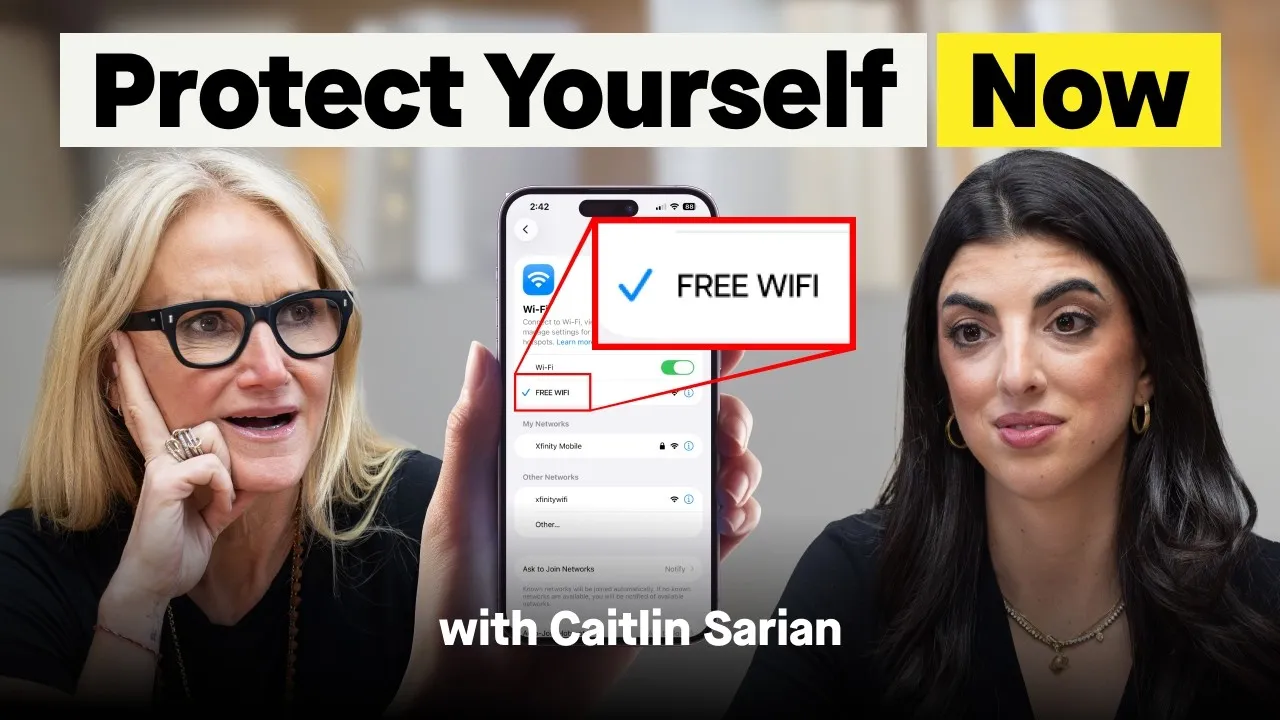
The allure of “free” online services, including Wi-Fi, comes with a significant caveat: “If there’s any free product or app, you are the product.” Free Wi-Fi, especially in public places like airports or cafes, is often unencrypted. This means your data transmitted over these networks can be intercepted by malicious actors. Sarian suggests using your phone’s data tethering or a Virtual Private Network (VPN) for more secure connections. When identifying secure websites, look for “https://” in the URL, where the “s” signifies a secure connection.
Similarly, creating unnecessary online accounts increases your digital footprint and the potential points of access for scammers. For security questions, avoid common answers like your mother’s maiden name, as this information is often publicly accessible through OSINT techniques. Instead, Sarian suggests creating an alternate persona with unique answers for security questions.
Protecting Against “Juice Jacking”
A lesser-known but significant threat is “juice jacking.” This occurs when you plug your phone into a compromised public USB charging port (e.g., at hotels or airports). Beyond charging, these ports can be used to transfer data, potentially installing malware or stealing information when you “trust this device” prompt appears. Sarian recommends using your own power adapter and charging cable or a power-only USB adapter to avoid this risk.
Key Health Takeaways
- Be Skeptical of Free Services: If a service is free, you are likely the product, with your data being collected and utilized.
- Pause Before You Click: Take at least nine seconds to verify links and attachments before engaging to prevent falling for phishing scams.
- Secure Your Identity: Avoid using easily discoverable personal information for passwords and security questions. Consider creating alternate online personas.
- Update Regularly: Enable automatic software updates to patch security vulnerabilities exploited by hackers.
- Protect Your Data on Public Wi-Fi: Utilize VPNs or your phone’s data tethering instead of unsecured public Wi-Fi for sensitive transactions. Look for “https://” in website URLs.
- Limit Information Sharing: Avoid posting real-time vacation details online and be mindful of the information you volunteer when creating online accounts.
- Charge Safely: Use your own power adapter and cable or a power-only USB adapter when charging your devices in public to prevent “juice jacking.”
Disclaimer: This article is for informational purposes only and does not constitute medical or professional advice. Always consult with a qualified healthcare provider or cybersecurity expert for personalized guidance. The information presented is based on the insights shared by cybersecurity expert Caitlyn Sarian.
Source: The 9-Second Rule That Can Save You Thousands of Dollars (YouTube)