Unlock Mobile Coding: Your ‘Forever Terminal’ for Claude is Here
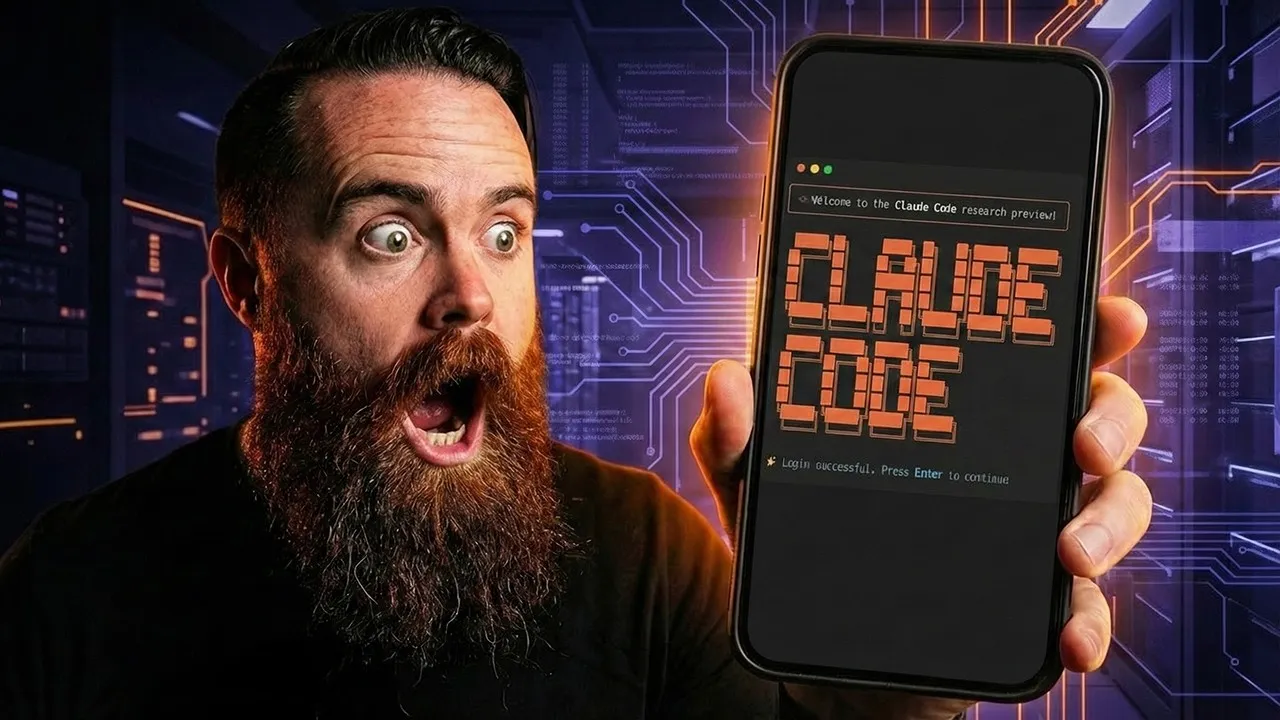
The allure of advanced AI coding assistants like Claude is undeniable, with some users even reporting a form of ‘Claude code addiction.’ But what if your access to this powerful tool wasn’t tethered to a desktop or laptop? Imagine coding on a plane, at the airport, or even from the comfort of your couch. This article details how to achieve that freedom, enabling you to harness Claude code from virtually anywhere using just your smartphone.
The Challenge: Bridging the Gap to Mobile Terminals
Claude code, at its core, is a terminal application. The primary hurdle for mobile use is that most smartphones lack a built-in terminal. The solution lies in creating a remote terminal accessible from your phone. This guide outlines a two-part mission: first, to get a functional terminal on your phone, and second, to establish a persistent, always-available remote terminal – a ‘forever terminal’ – for uninterrupted access to Claude code.
Setting Up Your ‘Forever Terminal’ with Hosting Your
The foundation of this mobile coding setup is a Virtual Private Server (VPS) hosted in the cloud. For this, the guide recommends Hosting Your, a sponsor known for its reliable VPS solutions. They offer a special deal for this setup, making it an opportune time to establish your remote coding environment.
Choosing the Right VPS Plan
The tutorial suggests the KVM 2 plan from Hosting Your. This plan is described as a comprehensive cloud home lab, providing ample resources to run Claude code, host services, or engage in other development tasks.
Cloud-Ready Operating System
A key convenience offered by Hosting Your is the pre-selection of operating systems. Users can simply search for and select ‘Cloud Code’ during the VPS setup. After setting a password and enabling optional security features like a free malware scanner, the VPS can be ready in a short time. The guide humorously notes that this setup time is perfect for a coffee break or engaging with the YouTube algorithm by liking and subscribing.
Securing Your Remote Terminal
Before diving into mobile access, securing the VPS is paramount, as it will be accessible to the internet. The guide outlines three essential security hardening steps:
- Fail2Ban: This tool automatically blocks brute-force attacks by monitoring login attempts and banning suspicious IP addresses. Installation and activation are straightforward commands.
- Firewall (UFW): A firewall is configured to allow only necessary ports, specifically port 22 for SSH (Secure Shell) access, which is used for remote terminal connections. The UFW (Uncomplicated Firewall) is enabled after allowing SSH access.
- SSH Key Authentication: While not implemented immediately, the ultimate goal is to disable password authentication in favor of SSH key-based logins for enhanced security.
Accessing Your Terminal with Terminus
The next crucial step is enabling phone access. The guide introduces Terminus, a highly capable terminal emulator app available for smartphones. While not sponsored, Terminus is praised for its functionality, allowing remote access to any server, not just the one hosting Claude code.
Connecting to Your VPS
Within the Terminus app, users create a new host entry. This involves inputting the DNS name or public IP address of the Hosting Your VPS, along with the username (typically ‘root’) and the password set during VPS creation. After accepting a security warning for the unknown host, users are connected to their remote terminal.
Testing the Connection
A simple command like Claude is used to verify that Claude is accessible within the newly established remote terminal session. The guide emphasizes that this connection, once set up, remains available whenever needed.
Enhancing Security: SSH Key Implementation
To complete the security hardening, the guide returns to the concept of SSH key authentication. This involves generating an SSH key pair within the Terminus app, exporting the public key to the VPS, and then configuring the VPS to accept only key-based logins.
Disabling Password Authentication
By removing the password from the host settings in Terminus and relying solely on the generated SSH key, users can effectively disable password authentication on their VPS. This is confirmed by attempting to log in with a password, which should now be denied, while the key-based login continues to work seamlessly.
Maintaining Persistent Sessions with Tmux
A common issue with remote terminal sessions is their termination when the connection is lost (e.g., phone locks, loses signal, or during a flight). To overcome this, the guide introduces Tmux, a terminal multiplexer that allows for persistent sessions.
Installing and Using Tmux
Tmux is installed on the VPS using a simple command. Once installed, a Tmux session can be initiated. Within this session, Claude can be launched, and users can interact with it. The magic of Tmux is that even if the phone connection is interrupted, the session on the server continues. Reconnecting allows users to attach to the existing session, resuming exactly where they left off.
Improving Tmux with Mouse Support
A minor configuration tweak is suggested to improve the usability of Tmux with the Terminus app. By adding a specific line to the Tmux configuration file, mouse support is enabled, allowing for easier scrolling and interaction within the terminal.
The Power of Mobile AI Coding
With these steps, users can now code and hack from anywhere, leveraging the power of Claude directly from their smartphones. The setup on a Hosting Your VPS also opens up possibilities for running web applications, building websites with Claude’s assistance, and a host of other creative development tasks, all accessible remotely.
A Note on Responsible AI Use
The video concludes with a prayer for the audience, emphasizing balance and responsible use of technology, including AI coding tools. It encourages users to find a healthy equilibrium between utilizing these powerful tools and maintaining personal well-being, family time, and mental clarity.
Source: Claude Code on your phone in 10 minutes (YouTube)