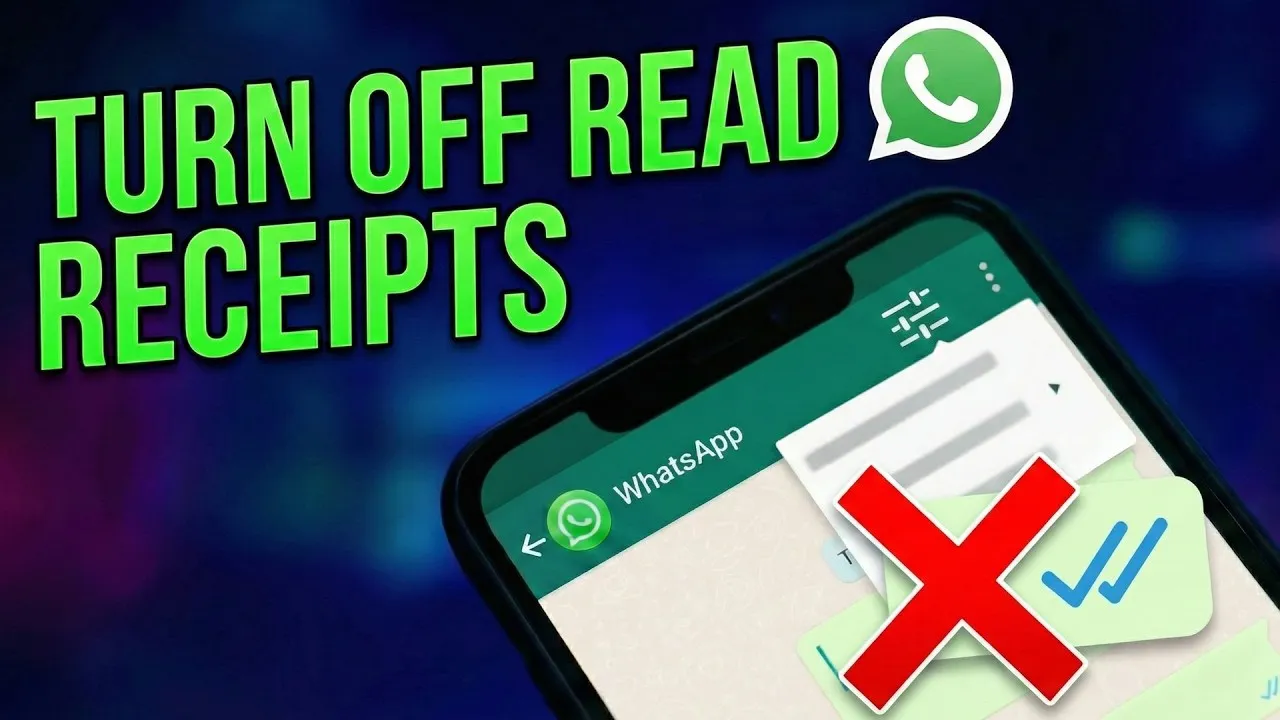
Turn Off Read Receipts on WhatsApp
Ever found yourself wanting to read a message without the sender knowing you’ve seen it? WhatsApp’s ‘read receipts’ feature, indicated by a timestamp showing when a message was read, can sometimes feel intrusive. This feature works both ways: you can see when others read your messages, and they can see when you read theirs. If you prefer to read messages at your own pace without immediately signaling your availability, you can easily disable this feature. This guide will walk you through the simple steps to turn off read receipts on your WhatsApp account, giving you more control over your message interactions.
What You’ll Learn
By following this tutorial, you will learn how to:
- Locate the privacy settings within WhatsApp.
- Disable the read receipts feature for all your chats.
- Understand the implications of turning off read receipts, including the mutual effect on both sender and receiver.
Prerequisites
- An active WhatsApp account on your smartphone.
- Access to your phone’s internet connection.
Step-by-Step Guide to Turning Off Read Receipts
Step 1: Access WhatsApp Settings
First, open your WhatsApp application on your smartphone. Once the app is open, navigate to the main chat screen. From here, you need to access the application’s settings menu. The method for accessing settings may vary slightly depending on your operating system (iOS or Android), but generally, you’ll look for a settings icon, often represented by a gear or three dots, usually located in the top or bottom navigation bar.
Step 2: Navigate to Privacy Settings
Within the main settings menu, you will find various options to customize your WhatsApp experience. Look for an option labeled ‘Account’ or ‘Privacy’. Select the ‘Privacy’ option to proceed. This section contains all the settings related to how your information is shared and viewed by others on the platform.
Step 3: Locate and Disable Read Receipts
Once you are in the Privacy settings menu, scroll down the list of options. You will see an entry specifically for ‘Read Receipts’. This feature is typically enabled by default. You will likely see a toggle switch next to ‘Read Receipts’. To turn them off, tap on this toggle switch. When the switch is in the ‘off’ position (often indicated by a grayed-out color or a slider moved to the left), read receipts will be disabled.
Step 4: Understand the Mutual Effect
It is important to understand that disabling read receipts is a mutual setting. When you turn off read receipts, you will no longer be able to see the read receipts (blue ticks or timestamps) for messages sent to you by others. Similarly, others will not see your read receipts when you read their messages. This means that for all new messages sent and received after you’ve made this change, neither party will be notified when the message has been read. This setting applies to all individual and group chats.
Step 5: Confirmation
There is usually no explicit ‘save’ button for this setting. Once you toggle the ‘Read Receipts’ option off, the change is applied immediately. You can confirm this by exiting the settings menu and returning to your chat list. Any new messages you send or receive will now operate without the read receipt functionality for both you and the other participants.
Expert Notes and Tips
- Group Chats: Read receipts are always sent in group chats, regardless of your individual read receipt settings. This is a limitation of the feature.
- Last Seen: The ‘Read Receipts’ setting is separate from the ‘Last Seen’ setting. You can disable read receipts while still allowing others to see when you were last online, or vice versa.
- Re-enabling: If you wish to turn read receipts back on at any time, simply follow the same steps and toggle the switch back to the ‘on’ position.
- Privacy Control: This feature is excellent for managing expectations and reducing pressure to respond immediately. Use it to create your own communication rhythm.
By following these straightforward steps, you can effectively manage your WhatsApp privacy settings and control when others know you’ve read their messages. Enjoy a more flexible messaging experience!
Source: How to Turn Off Read Receipts on WhatsApp (YouTube)