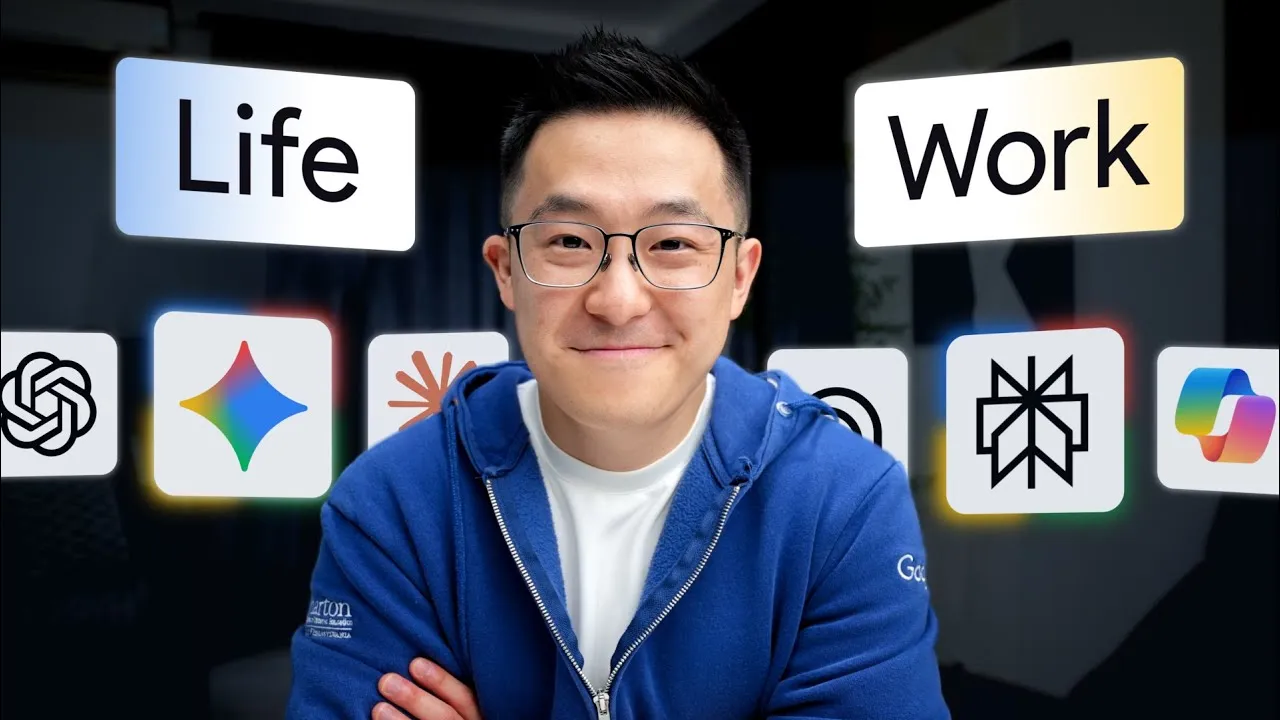
Master AI Chatbots: Use ChatGPT, Gemini, and Claude Effectively
Navigating the world of AI tools can be overwhelming, with each offering unique strengths. This guide simplifies that process by breaking down the core capabilities of three leading everyday AI chatbots: ChatGPT, Google Gemini, and Anthropic’s Claude. You’ll learn how to leverage their distinct features to enhance your productivity, understand when to use each tool, and discover how they can complement each other in your workflow.
Understanding the Strengths of Everyday AI Chatbots
While ChatGPT, Gemini, and Claude appear similar, they possess unique “moats” – specific areas where they excel above the rest. Understanding these distinctions is key to choosing the right tool for the right task.
1. ChatGPT: The Obedient Assistant
ChatGPT’s primary strength lies in its unparalleled obedience. When given a complex set of instructions or a detailed checklist, ChatGPT is less likely to miss steps or deviate from the prompt compared to other models. This makes it ideal for tasks requiring strict adherence to guidelines.
How to Use ChatGPT for Complex Tasks:
- Identify tasks with multiple steps: If your task involves a lengthy sequence of actions or a detailed set of requirements, ChatGPT is likely your best bet.
- Provide detailed prompts: Be explicit and comprehensive in your instructions. ChatGPT is designed to follow these to the letter.
- Test its obedience: Ask ChatGPT to optimize a prompt for itself. You’ll often receive a more detailed and longer prompt than from other models, demonstrating its ability to handle complexity.
- Utilize web search reliably: When you enable web search in ChatGPT, it consistently performs the search as instructed, unlike some alternatives that might skip this step.
Expert Tip: For tasks where precision is critical and a single missed step could derail the entire process, such as generating a complex hiring rubric or executing a multi-stage plan, start with ChatGPT.
2. Google Gemini: The Multimodal Powerhouse
Gemini stands out for its exceptional multimodal capabilities, meaning it can process and synthesize information from various media types—text, images, audio, and video—natively. Its massive 1 million token context window allows it to handle very large files and long recordings.
How to Use Gemini for Multimodal Tasks:
- Upload mixed media: Combine video recordings, audio files, slide decks, and text documents in a single prompt.
- Request cross-media synthesis: Ask Gemini to summarize content, extract key decisions, or draft follow-up actions based on the combined inputs. For example, upload a meeting video, a slide deck, and a photo of a whiteboard, then ask for a summary and action items.
- Process long-form content: Utilize its large context window to analyze lengthy video or audio recordings, or extensive documents.
- Convert video walkthroughs: Upload a screen recording of yourself performing a task and ask Gemini to generate a Standard Operating Procedure (SOP) from it.
Warning: While powerful, Gemini’s raw reasoning might sometimes lag behind ChatGPT. However, for tasks involving diverse media types or very large files, the trade-off is often worthwhile.
3. Anthropic Claude: The High-Quality First Draft Generator
Claude excels at producing higher-quality first drafts, particularly in coding and written content. It consistently generates functional code and human-sounding text that requires fewer revisions.
How to Use Claude for Code and Copy:
- Generate functional code: For tasks requiring scripts or code snippets, Claude often produces working solutions on the first try. This is particularly useful for automating tasks or creating simple tools.
- Create polished written content: Use Claude to draft emails, reports, presentations, or creative writing. It’s exceptional at matching a specific tone or voice when provided with examples.
- Refine existing copy: Feed Claude your existing work (e.g., previous documents, scripts) and ask it to refine new drafts to match that style.
- Generate diagram code: Ask Claude to produce Mermaid code for diagrams, which can then be used in compatible tools for quick visualization.
Expert Tip: Claude’s ability to replicate your writing style makes it invaluable for maintaining brand consistency or personal voice across different content pieces.
Integrating the Everyday AI Chatbots
You don’t necessarily need to choose just one. A common workflow involves using ChatGPT or Gemini for initial ideation, research, and outlining, then handing off the rough output to Claude for final polishing and refinement into a presentable or publishable format.
When to Consider Other Tools:
- Grok: If your primary need is real-time analysis of breaking news or social media trends (like Twitter/X), Grok’s direct access to the “fire hose” makes it suitable. However, avoid using tools without a specific problem they solve for you.
Specialist AI: Perplexity and NotebookLM
Beyond general-purpose chatbots, specialist AI tools offer focused capabilities for specific tasks, such as information retrieval and source-based analysis.
4. Perplexity: Fast and Accurate Information Fetching
Perplexity is optimized for search, acting as a powerful tool for quickly finding accurate, up-to-date information. Unlike reasoning-focused chatbots, its strength is in fetching specific facts.
How to Use Perplexity for Research:
- Ask specific factual questions: Use Perplexity when you need a quick answer to a precise query, like checking a restaurant’s details or verifying a fact.
- Verify information: Use it to cross-reference facts generated by other AI models, ensuring accuracy. For example, check the exact token limit of a chatbot’s context window.
- Utilize search operators: Employ Google-style operators (e.g., `site:reddit.com`) within Perplexity to narrow down search results to specific websites or domains.
Rule of Thumb: Think of Perplexity as a replacement for AI-enhanced search engines like Google’s AI Overviews or AI Mode, rather than a general-purpose chatbot.
5. NotebookLM: Accurate Answers from Your Sources
NotebookLM’s unique feature is its ability to answer questions and provide analysis based *only* on the documents you provide. This grounded approach prevents “hallucinations” and ensures output is tied directly to your source material.
How to Use NotebookLM for Source-Grounded Analysis:
- Upload your documents: Provide NotebookLM with all relevant source materials, such as research papers, drafts, meeting notes, or scripts.
- Ask questions about the sources: Query the AI to find specific information, check for contradictions, or summarize content *within* the provided documents.
- Flag unsupported claims: Use it to review your own writing (like scripts or marketing materials) and identify any statements not directly supported by your source documents.
Caveat: The accuracy of NotebookLM’s output is entirely dependent on the quality and accuracy of the source documents you provide. “Garbage in, garbage out” applies here.
Rule of Thumb: When accuracy is paramount and you have specific source materials to reference, NotebookLM is an invaluable tool for ensuring factual consistency.
Conclusion
By understanding the core strengths of ChatGPT (obedience), Gemini (multimodality), Claude (quality first drafts), Perplexity (fast fetching), and NotebookLM (source-grounded accuracy), you can strategically deploy these AI tools to significantly boost your productivity. While most users can achieve great results with a single advanced chatbot like ChatGPT Plus, leveraging the unique superpowers of multiple tools can unlock even greater efficiency and better outcomes for specialized tasks.
Source: The Only AI Tools You Need (12-Minute Guide) (YouTube)