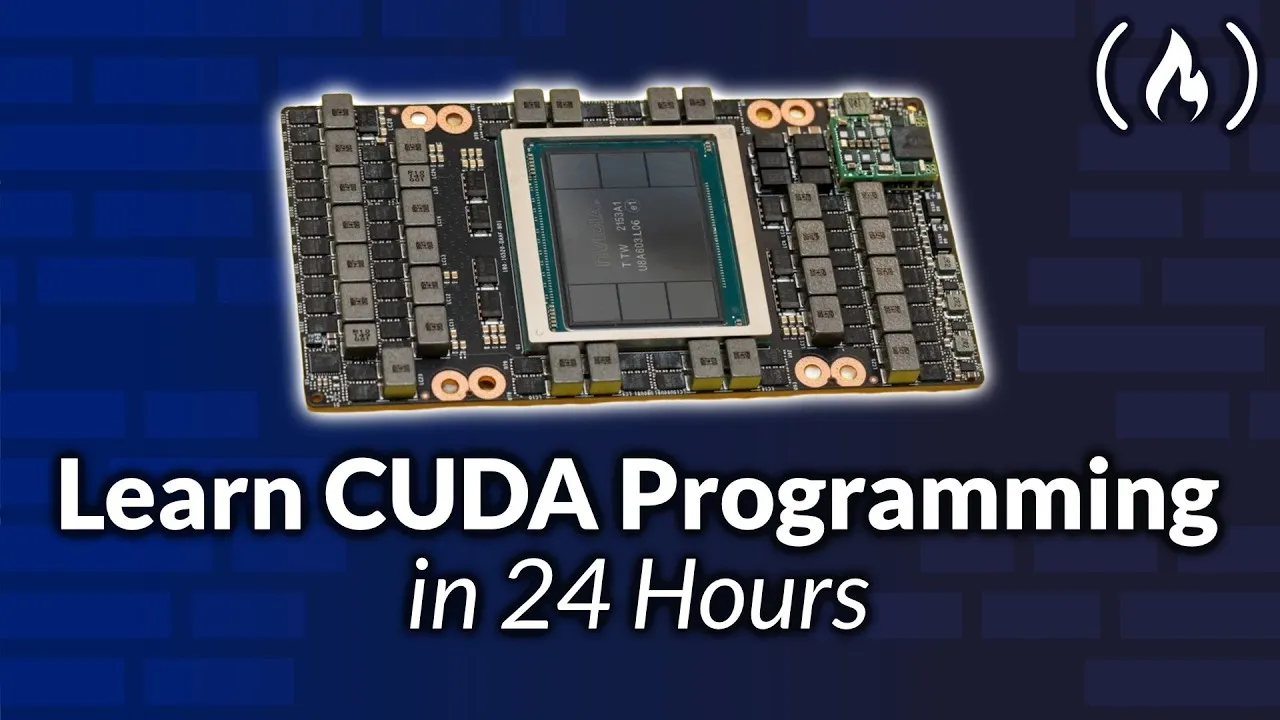
Learn to Optimize NVIDIA H100 GPUs with CUDA
This guide will show you how to harness the power of NVIDIA’s H100 GPUs using CUDA programming. You’ll learn to build efficient matrix multiplication pipelines and use advanced optimizations to handle the massive calculations that modern AI relies on. We’ll also cover how to scale your programs across multiple GPUs, which is essential for training very large AI models. Get ready to unlock the full potential of your NVIDIA hardware.
What You Will Learn
This tutorial covers the architecture of NVIDIA H100 GPUs, focusing on key components like Tensor Cores and memory systems. You will learn how to program using features like Thread Block Clusters and Asynchronous Operations. We’ll explore specialized libraries like CuTensorMap and learn how to implement efficient matrix multiplication using WGMMA (Warp Group Matrix Multiply Accumulate). The guide also dives into kernel design strategies, multi-GPU programming with NCCL, and how to use tools like CUTLASS for further optimization. Finally, you’ll understand how to structure programs for training trillion-parameter models.
Prerequisites
- Basic understanding of C++ programming language syntax.
- Familiarity with linear algebra concepts, especially matrix tiling and multiplication.
Getting Started with H100 GPU Architecture
Understanding the H100’s design is key to writing efficient CUDA code. The GPU has advanced features like High Bandwidth Memory 3 (HBM3), which provides very fast data access. It also includes specialized hardware called Tensor Cores, designed to speed up the matrix math crucial for AI.
Key Architectural Features
- HBM3 Memory: Offers high bandwidth for quick data transfer between the GPU and its memory.
- Tensor Cores: Hardware units specifically built to accelerate matrix multiplication and accumulation operations.
- Tensor Memory Accelerator (TMA): Helps move data between global memory and shared memory efficiently.
- Transformer Engine: Optimizes calculations for transformer models, common in AI.
- L2 Cache: A large cache that stores frequently used data to reduce the need to access slower main memory.
- GPCs, TPCs, and SM Layout: These describe how the GPU is divided into processing units.
- Thread Block Clusters: Allows multiple thread blocks to cooperate on a task, improving performance.
- Distributed Shared Memory: Enables sharing data among threads across different SMs (Streaming Multiprocessors).
- SM Sub-Partitions (SMSPs): Further divisions within an SM to manage computational resources.
- Warp Schedulers & Dispatch Units: Control how threads (organized into warps) are executed on the GPU’s cores.
Programming with Advanced CUDA Features
Modern GPUs offer features that allow for more complex and efficient parallel programming. Learning to use these features can significantly boost your application’s performance.
1. Thread Block Clusters
Thread Block Clusters let you group multiple thread blocks together. This allows them to work on larger problems or share data more effectively. You can configure the dimensions of these clusters to match the structure of your problem.
2. Asynchronous Operations and Barriers
Asynchronous operations allow the GPU to perform multiple tasks at once without waiting for each to finish. This is like having multiple workers doing different jobs simultaneously. Barriers and fences are used to synchronize these operations, ensuring that certain tasks complete before others begin. This is crucial for maintaining data integrity and correct program flow.
- Proxies, Fences, and Memory Ordering: These are tools to manage how and when data changes become visible to different parts of your program.
- M-Barriers: A more advanced synchronization mechanism for coordinating threads within a cluster.
3. Inline PTX Assembly
PTX (Parallel Thread Execution) is a low-level assembly language for NVIDIA GPUs. Writing inline PTX allows you to access specific, low-level GPU instructions that might not be directly available through standard C++ CUDA. This can offer fine-grained control for maximum optimization.
4. State Spaces and Data Types
CUDA programs interact with different memory spaces on the GPU (like global, shared, and local memory). Understanding these ‘state spaces’ and how different data types (like FP8, FP16, FP32) are handled in PTX is important for efficient memory usage and computation.
Optimizing Matrix Multiplication with WGMMA and CuTensorMap
Matrix multiplication is fundamental to many AI algorithms. NVIDIA’s H100 GPUs have specialized features to accelerate this operation.
4.1. CuTensorMap Descriptors
CuTensorMap is a library that helps describe tensor (multi-dimensional array) layouts. You define the shape, stride (how elements are spaced), and data type of your matrices. This information is used to efficiently load and process data, avoiding common issues like bank conflicts in shared memory.
- Tensor Shape, Stride, and Data Type: Define the dimensions and layout of your matrices.
- Element Stride and Dimensions: Specify how data is arranged in memory.
- Box Dimensions (Tile Size): Define the smaller chunks (tiles) of the matrix that will be processed together.
- Bank Conflicts and Swizzling: Learn how memory access patterns can cause delays and how techniques like swizzling rearrange data to prevent them.
4.2. cp.async.bulk (TMA)
The Tensor Memory Accelerator (TMA) allows for asynchronous bulk data transfers. The cp.async.bulk instruction lets you copy large blocks of tensor data between memory spaces without stalling your main computation. This includes support for 1D to 5D tensor operations and multicast, where the same data is sent to multiple destinations.
5. WGMMA (Warp Group Matrix Multiply Accumulate)
WGMMA is a powerful feature on H100 GPUs for performing matrix multiplications. It organizes threads into ‘warp groups’ that cooperate to multiply larger matrices. This approach maximizes the use of Tensor Cores and register files for high throughput.
- Warp Groups & Matrix Multiplication: Threads work together in groups to compute matrix products.
- WGMMA Descriptors: Define the properties of the matrices and the operation.
- Accumulators & Register Reuse: Efficiently use GPU registers to store intermediate results, reducing memory traffic.
- Scale Factors: Control the scaling of input matrices and the accumulation result.
- Core Matrices & Tiles: WGMMA operates on small, fixed-size tiles of the input matrices.
WGMMA can be used with various data types, including FP8 (8-bit floating-point), which offers higher performance and lower memory usage for certain AI workloads.
Advanced Kernel Design and Optimization
Writing efficient GPU kernels involves understanding how your code interacts with the hardware.
6. Kernel Design Strategies
- Compute-Bound vs. Memory-Bound Kernels: Identify whether your kernel is limited by processing power (compute-bound) or data access speed (memory-bound).
- Warp Specialization: Tailor code execution for specific warp behaviors.
- Pipelining: Overlap computation and data movement to keep the GPU busy. Techniques include cooperative pipelines and ping-pong pipelines.
- Circular Buffering: Use a circular buffer to manage data flow efficiently in pipelines.
- Epilogue Handling: Optimize the final steps of a computation, such as adding biases or applying activation functions.
- Persistent Scheduling: Keep the GPU busy with tasks over a longer period.
- Split-K & Stream-K: Strategies for parallelizing matrix multiplication across multiple threads or GPUs.
- Data-Parallel Tile Scheduling: Distribute small matrix tiles across different processing units.
- Epilogue Fusion: Combine multiple final operations (like bias, activation, scaling) into a single step for efficiency.
7. Using CUTLASS and Fast.cu Kernels
CUTLASS is a C++ template library for high-performance linear algebra on NVIDIA GPUs. Walking through its source code reveals how efficient kernels are built, including scheduling policies and dispatch mechanisms. Fast.cu kernels provide examples of implementing these concepts, showing how producer and consumer warp groups work together, and how prologues and epilogues are handled.
Multi-GPU Programming with NCCL
Training very large AI models requires distributing the workload across multiple GPUs and even multiple machines.
8. Multi-GPU Communication
- NVSwitch: A high-speed interconnect that allows GPUs within a server to communicate directly and quickly.
- Topology & System Architecture: Understand how GPUs are connected in a system.
- CUDA Peer-to-Peer (P2P) Communication: Allows GPUs to access each other’s memory directly.
- MPI (Message Passing Interface): A standard for message passing between processes, often used in distributed computing.
9. NCCL (NVIDIA Collective Communications Library)
NCCL provides optimized routines for communication between GPUs. It’s essential for distributed training.
- NCCL Internals & Ring Algorithm: NCCL uses efficient algorithms like the ring algorithm to broadcast and reduce data across GPUs.
- AllReduce Operations: A fundamental collective operation where all GPUs contribute data, and each GPU receives the combined result.
- Other Collectives: NCCL supports operations like Broadcast (sending data from one GPU to all others), AllGather (gathering data from all GPUs onto each), and ReduceScatter (reducing data and scattering parts of it).
10. Parallelism Strategies
To train massive models, you can use different parallelism techniques:
- Data Parallelism: Each GPU gets a copy of the model and processes a different subset of the data.
- Tensor Parallelism: Splits individual layers or operations across multiple GPUs.
- Pipeline Parallelism: Breaks the model into stages, with each stage running on a different GPU, processing data in a pipeline fashion.
- Expert Parallelism: Used in Mixture-of-Experts models, where different ‘experts’ (sub-networks) are distributed.
By mastering these CUDA programming techniques for NVIDIA H100 GPUs, you can build highly efficient AI models and applications capable of tackling complex computational challenges.
Source: CUDA Programming for NVIDIA H100s – Comprehensive Course (YouTube)