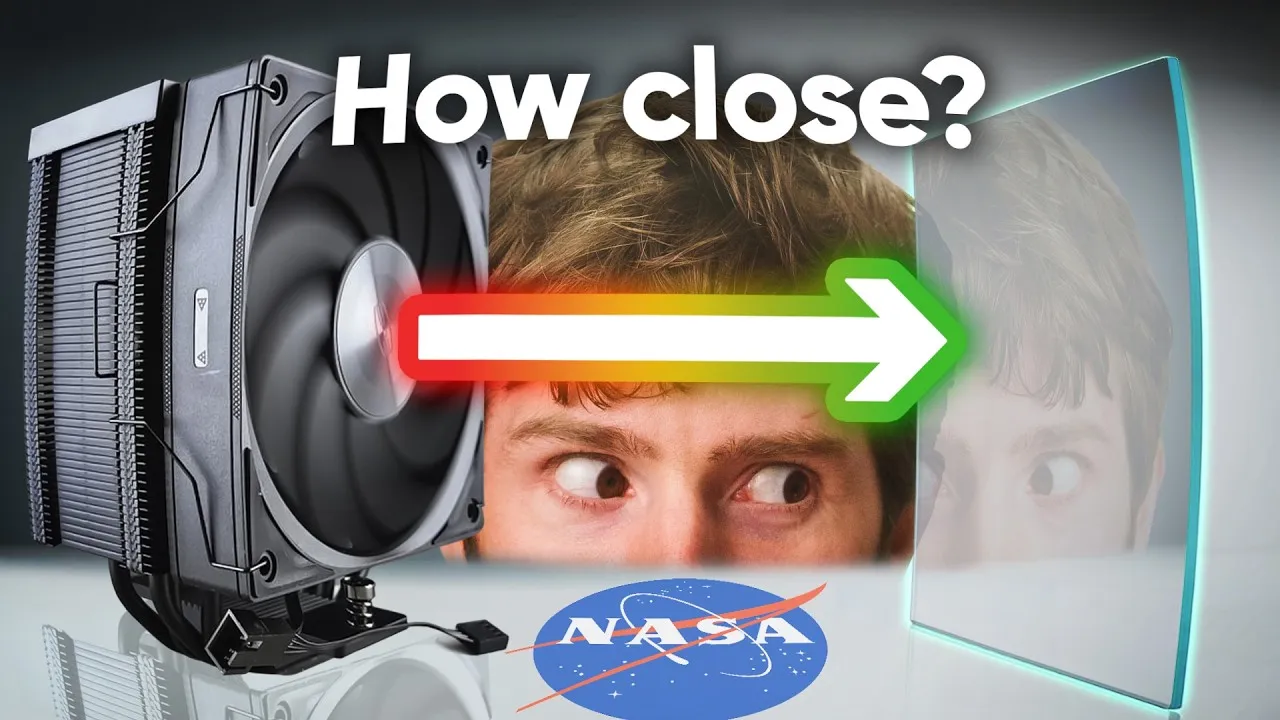
NASA Solves PC Cooling Mystery: How Close is Too Close?
Ever wondered if shoving your PC case right against a wall or on a thick carpet is hurting your computer’s performance? It turns out, it absolutely can. A team went to NASA’s Langley Research Center to find out exactly how much space your PC fans really need to breathe. The answer might surprise you.
The Problem: Fans Starving for Air
For years, many computer cases had a major flaw: their intake fans didn’t get enough air. This was a widespread issue in case design. While newer cases offer better airflow, users can still accidentally choke their fans by placing them too close to walls or other objects. This ‘killing your gains,’ as they say, can hurt your computer’s cooling and, by extension, your gaming performance.
NASA’s Approach: Low-Tech Meets High-Tech
To get a real answer, the team partnered with scientists at NASA Langley. Their first step? Using simple tape and string, a technique called ‘tufting.’ This low-tech method helps visualize how air moves. By attaching strings to the back of a fan and placing a panel at different distances, they could see how airflow changed.
Tufting Test Results
When the panel was far away, the fan worked great. But as the panel got closer, the strings near the fan’s center started to droop. This happened when the panel was only about 1.5 to 2 cm away. Getting even closer caused the fan to not only blow weakly but also start sucking air backward, indicating reversed airflow. Using special UV lights and a high-speed 4K camera, they captured the turbulent air movement in stunning slow motion.
Advanced Testing: Particle Image Velocimetry (PIV)
While tufting was insightful, NASA’s scientists also employed a more advanced technique: Particle Image Velocimetry (PIV). This involves filling the air with tiny particles and shining a bright, thin sheet of light through it. Special cameras then take rapid pairs of photos just microseconds apart.
Using complex math, they can calculate the speed and direction of the air. This process requires powerful computers and specialized equipment, like the Levison Flowmaster camera, capable of taking pictures nanoseconds apart. The team ran tests on a powerful Intel i9 processor with 192GB of RAM, showing that even with high-end hardware, processing this data takes significant time.
PIV Findings: The ‘Dead Zone’
In open air, without any obstruction, the airflow from the fan was smooth and fast. However, when a panel was placed just 15 mm away, a significant ‘dead zone’ appeared behind the fan hub. Airflow also started to curl outward instead of going straight. This happens because of pressure differences between the fan tips and the hub.
When the obstruction was even closer, the situation worsened dramatically. The fan barely pulled air in at the edges, and a strong reverse flow created a vortex that didn’t help cool anything. This is the worst-case scenario for your PC if it’s too close to a wall or carpet.
Testing with Resistance: Radiators
The team then tested the fan with a water cooling radiator to simulate higher resistance, or ‘back pressure.’ With the panel very close, the fan produced almost ‘zero flow,’ a dire result for cooling components effectively. Even at a 15 mm gap, performance dropped significantly, with only about 50% of the fan blades effectively moving air.
Noise Levels: Closer Can Be Louder
Beyond performance, the researchers also investigated noise. Counterintuitively, restricting airflow often makes fans louder, up to the point where they are completely starved. The stalled flow in the center, caused by close obstructions, creates unsteady air movement, leading to increased noise. This was confirmed using a specialized NASA anechoic chamber and microphone arrays designed to pinpoint sound sources.
The Verdict: How Much Space Do You Need?
Based on these tests, the general recommendation is to keep your PC fans at least 15 mm away from any surfaces for reasonable performance. If you’re dealing with other obstructions like a heatsink or radiator, aim for 20 mm or more clearance. Too little clearance significantly harms cooling and can increase noise.
Who Should Care?
PC builders, gamers, and anyone looking to optimize their computer’s cooling and reduce noise should pay attention. This research provides concrete data on a common oversight. If you have a small form-factor PC, are placing your computer in a tight spot, or are experiencing high temperatures, understanding these airflow principles is crucial.
Sponsor Spotlight: UG Green AI NAS
The video also highlighted UG Green’s new AI NAS devices. These devices offer massive storage (up to 196TB) and advanced features to organize your files. With universal search, automatic organization, OCR text recognition, and a local AI chat tool, managing large amounts of data becomes much easier. They also include robust security features. Early bird pricing and discounts are available through links in the video description.
Specs & Key Features
- Testing Location: NASA Langley Research Center, Virginia
- Airflow Visualization: Tufting (string), Particle Image Velocimetry (PIV)
- Key Fan Tested: Noctua NFA12X25 (at full speed)
- Minimum Recommended Clearance (Open Air): 15 mm
- Minimum Recommended Clearance (with Obstruction/Radiator): 20 mm
- PIV Hardware: Levison Flowmaster camera, Intel i9 14900K, 192GB RAM
- Acoustic Testing: NASA Anechoic Chamber, Phase Array Microphone System
- Noise Impact: Close proximity increases noise due to unsteady airflow.
Source: We Went to NASA To Solve a Computer Mystery (YouTube)