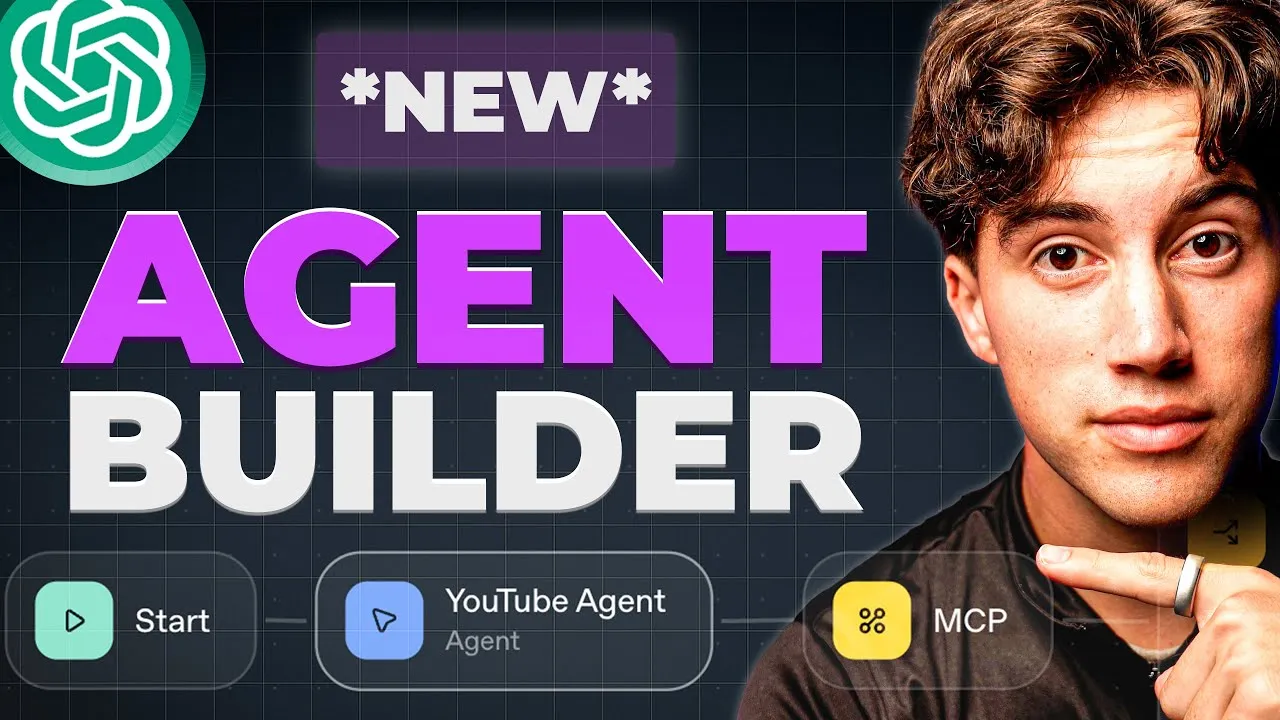
OpenAI Unveils Agent Builder, Streamlining AI Agent Development
OpenAI has launched a new platform designed to simplify the creation, deployment, and optimization of AI agents. Dubbed the Agent Builder, this toolkit aims to address many of the complexities associated with building and managing conversational AI, offering a more integrated and user-friendly experience compared to existing automation platforms.
Introducing Agent Kit: Build, Deploy, Optimize
The new suite of tools, accessible via platform.openai.com, is collectively referred to as Agent Kit. It breaks down the agent development lifecycle into three core phases: building, deploying, and optimizing. OpenAI has introduced specific tools for each stage, making the process more structured and efficient.
The Agent Builder Interface
At the heart of the new offering is the Agent Builder, an open canvas environment that allows users to construct agents using a drag-and-drop interface. Similar in concept to visual workflow tools like Zapier or Make.com, the Agent Builder provides a clean and intuitive user experience. Users can add various nodes, including conditional logic (if/else statements), to define the agent’s behavior.
The interface is designed for simplicity, offering a curated set of tools that, despite their limited number, enable powerful functionalities. Users can start from scratch or leverage pre-built templates for common use cases such as structured data Q&A, customer service, planning assistance, data enrichment, document comparison, and internal knowledge assistants.
Key Nodes and Features
The Agent Builder offers a range of nodes to construct agent logic:
- Agent Node: The core component where the AI agent’s instructions and capabilities are defined.
- End Node: Marks the completion of an agentic workflow.
- File Search: Enables agents to easily search through uploaded documents. This node integrates seamlessly with vector store creation, simplifying Retrieval-Augmented Generation (RAG) processes. Users can upload files, which OpenAI then vectorizes, making them searchable by the agent.
- Guardrails: A critical feature for enhancing security and reliability. Guardrails act as filters to block sensitive information (like Personally Identifiable Information or PII) or harmful content before it reaches the AI model. They can also enforce AI safety rules, prevent prompt injection, and manage errors, allowing workflows to either proceed or terminate based on predefined conditions.
- MCP Servers: These allow agents to connect to and interact with external tools and services, similar to connectors in other platforms. Supported integrations include popular services like Plaid, Stripe, PayPal, Gmail, and Google Calendar. This enables agents to perform actions such as creating calendar events or updating CRMs.
Notably, the current iteration of the Agent Builder focuses heavily on these core functionalities and does not appear to include direct nodes for webhooks or HTTP requests, emphasizing an integrated approach within the OpenAI ecosystem.
Building a Live Agent: YouTube Transcript Q&A
To demonstrate the platform’s capabilities, a live agent was built to answer questions based on YouTube video transcripts. The process involved:
- Setting up the Agent: An agent node was created with instructions for the AI to search uploaded transcripts and answer user questions, citing the source.
- Integrating File Search: The File Search tool was added, allowing for the upload of YouTube video transcripts. OpenAI automatically vectorizes these transcripts, creating a searchable knowledge base.
- Testing the Agent: The agent was tested with a question about AI automation stages, which it answered accurately by referencing the uploaded transcripts and citing the specific video.
The demonstration was extended to include transcripts from a second YouTube channel, enabling the agent to act as a knowledge base for multiple creators. The agent was instructed to ask the user which creator’s content they wished to query, showcasing more advanced conversational flow.
Deployment Options
Once an agent is built, OpenAI offers two primary deployment methods:
- Chatkit: A toolkit for embedding chat widgets directly into existing websites or applications. This provides a straightforward way to make agents publicly accessible.
- Agent SDK: Allows for custom code-based deployment, offering greater flexibility for developers.
The platform also includes features for optimizing agent performance, such as evaluation tools, trace grading, and dataset analysis, which are crucial for deploying effective business solutions.
Why This Matters
OpenAI’s Agent Builder represents a significant step towards democratizing AI agent creation. By integrating building, deployment, and optimization into a single platform, it lowers the barrier to entry for developers and businesses looking to leverage custom AI solutions. The inclusion of robust guardrails enhances security and trustworthiness, addressing a key concern in AI deployment. Furthermore, the seamless integration of file search for RAG and MCP servers for external tool connectivity streamline complex workflows. While still in its early stages, this development positions OpenAI as a major player not just in foundational models, but also in the practical application and deployment of AI agents across various industries.
Availability and Pricing
The Agent Builder is available on platform.openai.com. Specific pricing details for the Agent Builder and its associated tools are not detailed in the provided transcript, but it is accessible for users to explore and build agents.
Source: OpenAI Update: Building Agents using NEW Agent Builder! (YouTube)