Learn the Key Differences Between Claude Chat and Co-work
If you’re already using AI chat tools like Claude Chat daily, you might be wondering about the next step. Claude Co-work offers an advanced way to work with AI. This article will show you the three main differences between Claude Chat and Claude Co-work. Understanding these differences will help you choose the right tool for your needs and make your AI tasks much easier.
What You Will Learn
We will cover how file limits and sizes differ between the two tools. You’ll also learn about the context window, which affects how much information the AI can remember during a conversation. Finally, we’ll explain how each tool delivers its output, and why Co-work’s method can save you a lot of time.
Prerequisites
- Basic understanding of AI chat tools.
- Access to Claude Chat (or a similar AI chat service).
Key Differences Explained
1. File Limits and Size Restrictions
Claude Chat has limits on how many files you can use in one conversation. You are restricted to only 20 files per chat. Also, each file cannot be larger than 30 megabytes. This is because Claude Chat uploads your files to its cloud servers. This can be a problem if you work with many or large documents.
Claude Co-work works differently. Instead of uploading files, it reads them directly from your computer. This means there are no limits on the number of files you can use. There are also no size restrictions for individual files. This makes Co-work ideal for handling large projects or many documents at once.
2. Context Window and Memory
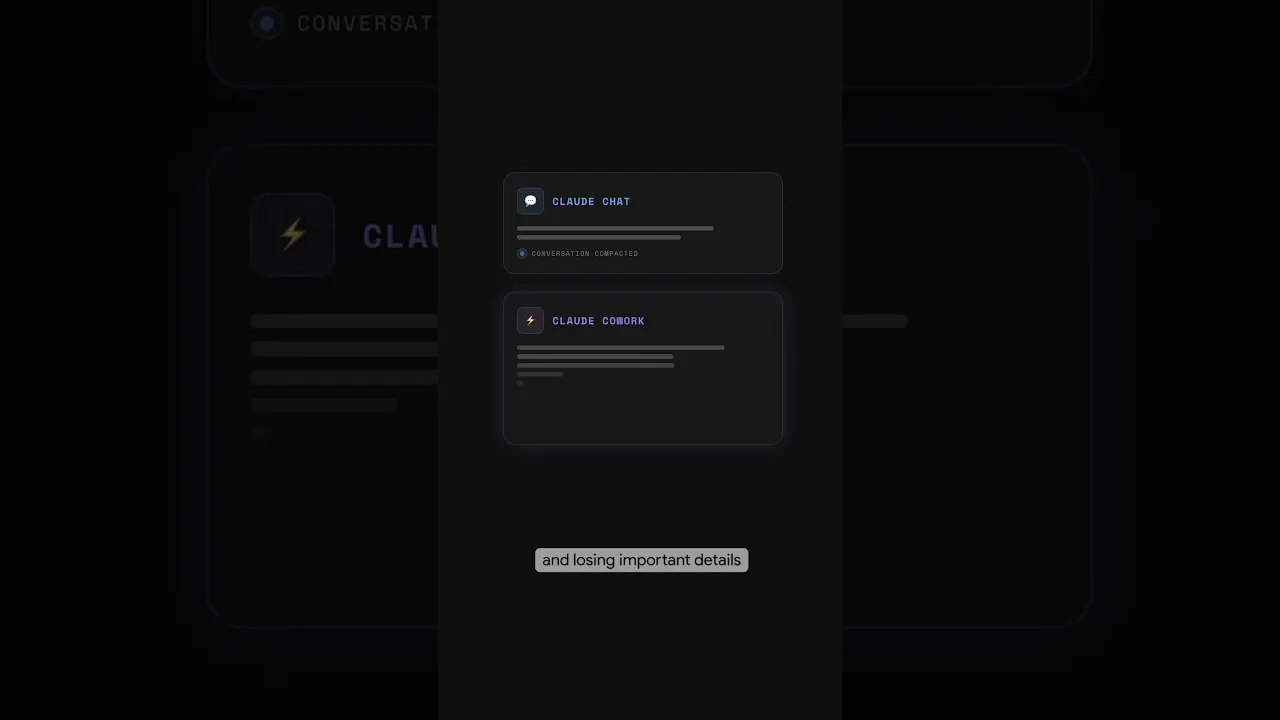
The ‘context window’ is like the AI’s short-term memory. It’s the amount of information the AI can consider at any given time during a conversation. Claude Chat has a smaller context window. This means it starts to forget earlier parts of your conversation sooner. As the conversation gets longer, it might lose important details or instructions you gave it earlier.
Claude Co-work has a much larger context window. It can remember more of your conversation for a longer time. This is a big advantage when you are working on complex tasks that require the AI to keep track of many details. You can have longer, more productive conversations without the AI losing track of what’s important.
Expert Note: A larger context window is crucial for tasks like summarizing long documents or maintaining consistency in creative writing. It ensures the AI’s responses are relevant to the entire scope of your request, not just the most recent parts.
3. Output Delivery and Usability
When you use Claude Chat, it gives you the results in the chat window itself. You receive the text or information directly in the chat interface. After you get the response, you still need to take action. You might have to copy and paste the information or manually create a document based on the AI’s output.
Claude Co-work delivers results in a much more practical way. It can create ready-to-use files directly on your computer. For example, if you give Co-work a large number of receipts, it can generate a complete expense report. It can even put this report into an Excel file and highlight specific rows. This saves you a significant amount of time and effort because the output is already formatted and organized for immediate use.
Tip: Imagine you have over 100 receipts. With Claude Chat, you’d get text suggestions in the chat. You’d then have to manually enter each receipt into a spreadsheet. With Claude Co-work, it can create the spreadsheet for you, saving hours of tedious work.
Conclusion
Claude Chat is a great tool for quick questions and simple tasks. However, Claude Co-work offers significant advantages for users who need to work with many files, require better AI memory, and want to save time on post-generation tasks. By understanding these three key differences—file limits, context window size, and output delivery—you can choose the tool that best fits your workflow and boosts your productivity.
Source: #claude Chat vs. Cowork: Biggest 3 differences (YouTube)