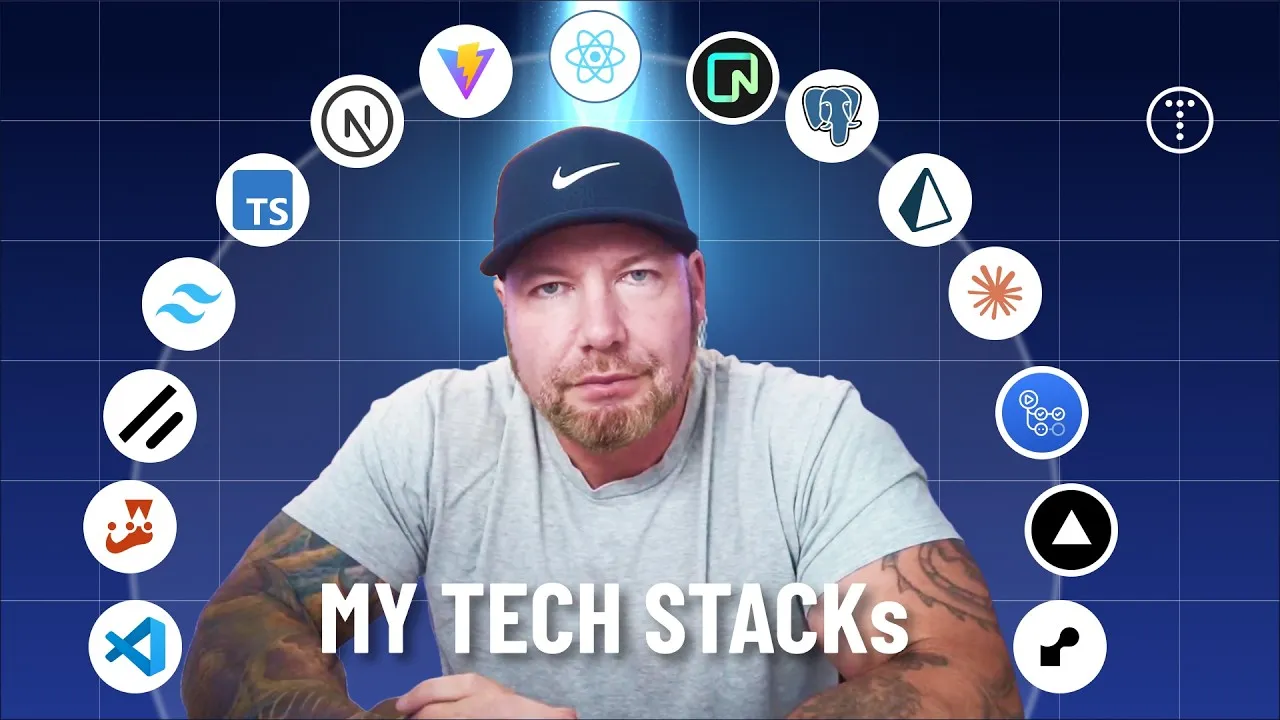
Master Your Development Workflow with This Powerful Tech Stack
In the ever-evolving world of web development, choosing the right tools can significantly impact your productivity and the success of your projects. This guide will walk you through a robust and efficient technology stack, ideal for building modern web applications. You’ll learn about the core programming language, frameworks, styling solutions, database choices, and deployment strategies that power cutting-edge development.
Prerequisites
While this guide aims to be comprehensive, a basic understanding of web development concepts and familiarity with JavaScript will be beneficial.
Step 1: Embrace TypeScript for Robust Code
For any project of significant size, TypeScript is the language of choice. While initially daunting, its benefits become apparent as projects grow.
TypeScript enhances code quality by catching errors early in the development process, provides excellent IntelliSense, and makes code more descriptive and easier to read. It has become the standard in many modern codebases, both front-end and back-end.
Why TypeScript?
- Error Prevention: Catches errors during development, not in production.
- Enhanced Developer Experience: Superior IntelliSense and autocompletion.
- Readability and Maintainability: Self-documenting code that’s easier to understand.
- Industry Standard: Widely adopted in the development community.
Step 2: Leverage Nex.js with React for Frontend Development
When building modern web applications, Nex.js paired with React is a powerful combination. While React is the core library, Nex.js provides a robust meta-framework that simplifies development. For smaller, less complex tools, a Single Page Application (SPA) built with React and Vite might suffice, offering a snappy user interface without the need for SEO or server-side rendering.
Nex.js for Larger Applications
- Server-Side Rendering (SSR): Improves performance and SEO.
- API Routes & Server Actions: Seamlessly integrate back-end logic.
- Performance: Nex.js is known for its speed and efficiency.
- Developer Friendly: Easy to learn and use, with a large ecosystem.
Expert Note: For projects requiring a highly interactive UI with client-side specific features, components can be designated as client components. Otherwise, server rendering is the default and preferred approach.
Step 3: Streamline Styling with Tailwind CSS
Styling your application becomes significantly easier with Tailwind CSS. This utility-first CSS framework allows you to rapidly build custom designs directly within your markup.
While it may result in a larger number of classes in your HTML or JSX, the trade-off is a dramatically reduced need to write custom CSS, saving considerable development time. For pre-built, customizable UI components, Shad CN UI can be used in conjunction with Tailwind.
Benefits of Tailwind CSS
- Rapid Development: Build UIs quickly without context switching.
- Consistency: Ensures a consistent design language across the project.
- Maintainability: Styles are co-located with the markup, making them easier to manage.
Step 4: Choose Neon Database with Postgres for Your Data Needs
For database management, PostgreSQL, hosted on Neon, offers a powerful and cost-effective solution. While MongoDB was previously used, escalating costs led to a search for alternatives.
Neon provides stable pricing and advanced features like branching, which is invaluable for managing production data safely. This cloud-native PostgreSQL solution is ideal for both production and development environments.
Why Neon and Postgres?
- Cost-Effective: Significantly more affordable than some other cloud databases.
- Reliability: Robust and feature-rich PostgreSQL database.
- Developer Features: Supports branching for safe development workflows.
- Scalability: Easily scales to meet project demands.
Step 5: Integrate Prisma for Database Interaction
To interact with your Postgres database, Prisma is the recommended Object-Relational Mapper (ORM). Prisma simplifies database modeling, migration management, and data querying. Its accompanying tool, Prisma Studio, provides a graphical interface for viewing and managing your database content, making it an all-in-one solution for database operations.
Prisma’s Advantages
- Data Modeling: Intuitive schema definition.
- Migrations: Easy and safe database schema updates.
- Type Safety: Generates a type-safe client for your database.
- Prisma Studio: A GUI for database management.
Alternative: While Drizzle is another viable option, Prisma offers a comprehensive set of features that meet most development needs.
Step 6: Deploy with Vercel for Seamless Releases
For deploying Nex.js applications, Vercel is the go-to platform. As the creators of Nex.js, Vercel offers deep integration and a wealth of features, including automatic continuous deployment.
Simply push your code to a Git repository (GitHub, GitLab), and Vercel handles the build and deployment process automatically. This is a massive leap from older deployment methods like FTP.
Vercel Deployment Workflow
- Push your code to a Git repository.
- Vercel automatically detects the changes.
- The platform builds and deploys your application.
- Continuous integration and deployment (CI/CD) are built-in.
Expert Note: Vercel’s ease of use and integrated CI/CD pipelines dramatically simplify the deployment process, allowing developers to focus on building features rather than managing infrastructure.
Step 7: Implement Testing with Jest and Automate with GitHub Actions
When tests are necessary, Jest is a reliable choice for unit and integration testing. For automating tasks such as running tests, linting code, and managing builds before deployment, GitHub Actions provides a powerful and flexible solution. This combination ensures code quality and streamlines the development pipeline.
Step 8: Enhance Productivity with AI Assistance (Claude Code)
For AI-powered coding assistance, Claude Code, integrated into VS Code, stands out. Instead of simply prompting for code, the approach involves providing detailed context through multiple files that outline coding style, architecture, and project goals. This collaborative method, where the AI reviews code for redundancies and potential bugs, leads to more robust and maintainable solutions.
Effective AI Collaboration
- Context Engineering: Provide detailed project context and rules.
- Collaborative Development: Work alongside the AI, not just dictate.
- Code Review: Use AI to identify potential issues and suggest improvements.
- Manual Oversight: Combine AI suggestions with manual coding and testing.
Warning: Relying solely on AI for large application development can lead to unmanageable codebases and suppressed errors. Manual coding and testing remain crucial.
Step 9: Deploy Backend Services with Render.com
For deploying backend services and APIs, Render.com is an excellent alternative to managing your own servers. Similar to Vercel, it integrates with Git repositories, making the deployment process straightforward. Render simplifies the setup and maintenance of web services and APIs, offering a more manageable solution than traditional server hosting.
Render.com Benefits
- Easy Deployment: Connect your Git repository for automated deployments.
- Managed Infrastructure: No need to manage servers directly.
- Versatile: Supports web services, APIs, databases, and more.
Project Examples
This tech stack has been successfully applied to several projects:
- WebUtils.io: A platform offering a suite of online utilities (PDF manipulation, file compression, data generation) with a focus on client-side speed. It includes authentication via NextAuth and an admin area for management.
- DevSheets.io: A resource providing cheat sheets for various technologies like Git, TypeScript, Python, and AI prompting, offering quick references and detailed examples.
- Health SaaS (in development): A symptom tracker application utilizing AI insights for correlations and suggestions, built with the same stack.
- ApiOcker.com: An open-source fake REST API tool built with Express, serving as an example for projects where Nex.js might not be the best fit.
- APIProbe.dev: Another open-source tool similar to Postman for making HTTP requests, demonstrating the flexibility of the stack.
By adopting this comprehensive tech stack, you can build efficient, scalable, and maintainable web applications with a streamlined development and deployment process.
Source: My Current Tech Stack (YouTube)