AI Video Tools Automate Creative Edits in Minutes
Creating engaging video intros, especially those with dynamic visual effects, used to take a lot of time and technical skill. Now, artificial intelligence is changing that. New AI video generation tools can help creators produce complex animated sequences with simple text descriptions, cutting down editing time from hours to minutes.
One common question creators face is how to generate professional-looking video intros. Previously, this involved complex software and painstaking manual work.
Now, tools like Leonardo AI and Runway ML are making these creative tasks much simpler. These platforms allow users to describe a scene, and the AI generates the video footage based on that description.
How AI Video Generation Works
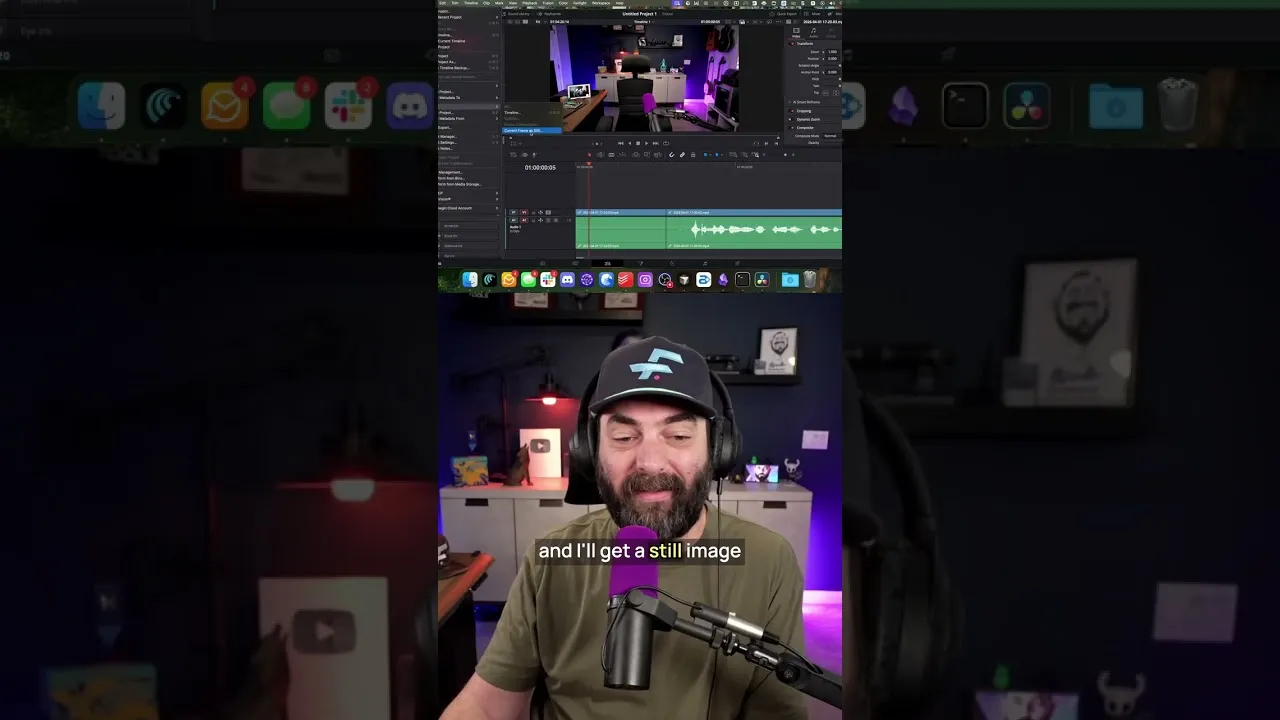
The process starts with a basic video clip. A creator might record themselves sitting in a corner of a room, then getting up and moving to a chair. The key is to capture two distinct points: the starting position and the ending position.
The creator then exports still images, or frames, from these moments in the video. These frames act as visual guides for the AI.
Next, these still images are fed into an AI video generation model. The user provides a text prompt explaining the desired action.
For example, a prompt might read: “A claw comes down from the ceiling and picks up the person in the bottom right corner and moves them over and sets them down in the chair.” The AI then uses the provided frames and the text prompt to create a new video sequence showing the described action. This can include realistic movements and animations.
Comparing AI Video Tools
Several AI models are available for video generation, each with its strengths. Kling Video 3.0 and VEO 3.1 are notable because they can also generate synchronized audio along with the video.
This means creators don’t need to add sound effects or voiceovers separately for the generated clips. If these models don’t produce the desired result, creators can turn to other platforms like Runway ML.
Runway ML offers its own set of advanced AI tools, including Seed Dance 2.0. This model provides another option for generating high-quality video content.
The ability to switch between different AI tools allows creators to find the best fit for their specific project and achieve the exact visual style they are aiming for. This flexibility is crucial in creative work.
Putting It All Together
Once the AI has generated the video clip, it is simply placed at the beginning of the main video project. This seamless integration means the AI-generated intro becomes part of the overall narrative. The entire process, from recording the initial clip to generating the final AI animation, can be completed much faster than traditional editing methods.
Why This Matters
The impact of these AI video tools is significant for content creators. They dramatically reduce the time and technical expertise required to produce professional-looking intros and special effects. This allows creators to focus more on their content and less on the technical aspects of production.
For businesses, this could mean faster creation of marketing videos and promotional content. The accessibility of these tools lowers the barrier to entry for high-quality video production, empowering more people to share their stories and ideas.
Previously, achieving such visual effects might have required expensive software, specialized skills, or hiring a professional video editor. Now, with just a few clicks and clear instructions, anyone can generate impressive visual sequences. This democratization of creative tools means more innovative content can be produced across the internet.
Availability and Pricing
Leonardo AI offers various subscription tiers, with pricing typically starting around $10-$20 per month for basic access to its features. Runway ML also provides subscription plans, often with a free trial or a limited free tier, followed by paid plans that can range from $15 to $35 per month for individual users. Specific pricing and features can vary, so checking their official websites for the latest details is recommended.
Source: This AI Editing Hack Saves Me HOURS (YouTube)