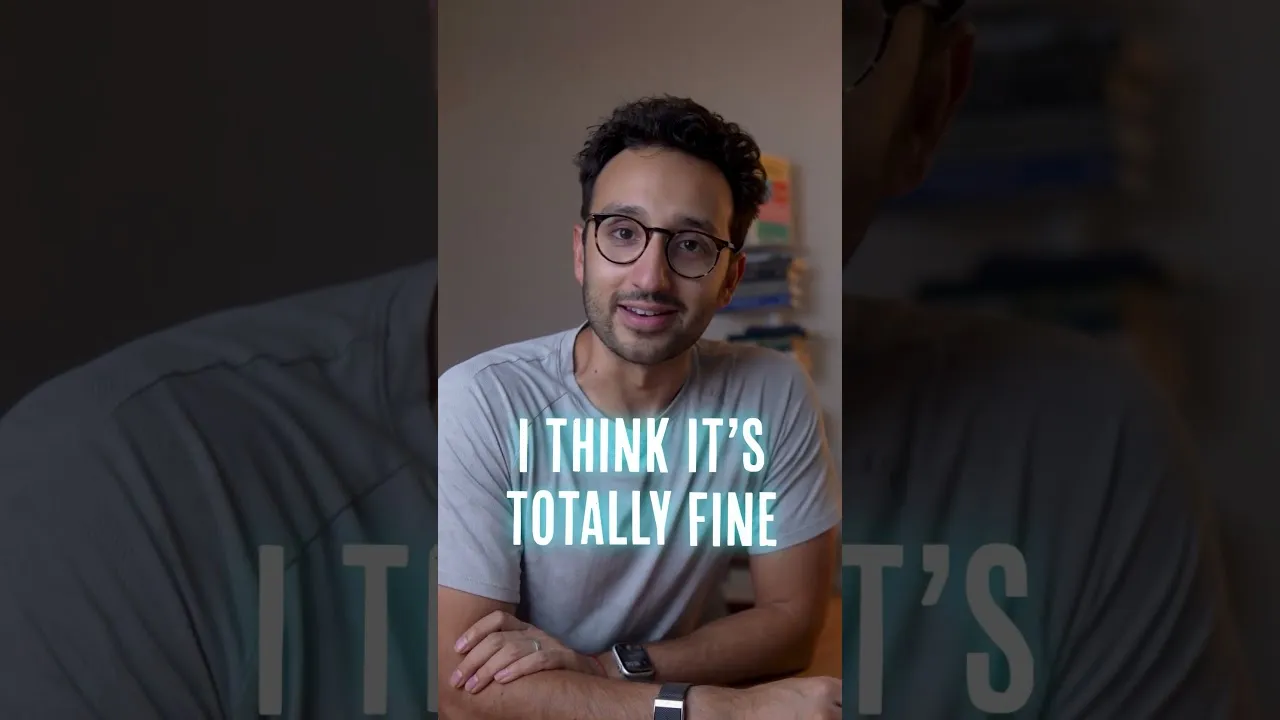
How to Watch Videos at Double Speed
Have you ever felt like there’s too much to watch and not enough time? Many people have discovered a trick to get through videos, audiobooks, and TV shows faster: watching them at a higher speed.
This method can help you consume more content, saving you valuable time. You can learn how to adjust playback speeds on many platforms to make your viewing experience more efficient.
Why Watch at Double Speed?
Watching content at a faster speed, like 2x or even 3x, can significantly cut down your viewing time. This is especially helpful when you want to get through a lot of material quickly.
For instance, if you’re learning something new or catching up on a series, speeding things up lets you focus on the most important parts. It’s a practical way to manage your media consumption in a busy schedule.
Understanding Playback Speed Settings
Most video players and streaming services offer options to change playback speed. You can usually find this setting in the player’s menu, often represented by a gear or settings icon.
Clicking this icon will bring up a list of speed options, typically ranging from 0.5x (slower) to 2x or more (faster). This feature is common on platforms like YouTube, Netflix, and many audiobook apps.
How to Adjust Playback Speed
- Locate the Settings Icon: While watching a video or listening to an audiobook, look for a gear or three dots icon. This is usually in the corner of the player window.
- Open the Speed Menu: Click on the settings icon. A menu will appear with various options.
- Select Your Desired Speed: Find the playback speed option. It might be labeled simply as ‘Speed’. Choose a multiplier like 1.5x, 2x, or 2.5x.
- Confirm Your Choice: The video or audio will immediately start playing at the selected speed. You can change it again at any time.
Tips for Watching at Higher Speeds
When you first start watching at double speed, it might feel a bit overwhelming. Your brain needs a little time to adjust to processing information faster.
Try starting with a slightly slower speed, like 1.5x, and gradually increase it as you get more comfortable. This helps your mind adapt without missing key details.
Pay close attention to whether you’re understanding and enjoying the content. If you find yourself constantly rewinding or feeling lost, the speed might be too high for that particular video.
For movies or shows you want to deeply experience, watching at normal speed might be better. It’s all about finding what works best for you and the content.
When to Use Normal Speed
Some content is best enjoyed at its original, normal speed. This includes visually stunning movies, emotionally engaging dramas, or complex documentaries where every detail matters.
If you want to fully immerse yourself in the story, appreciate the cinematography, or catch subtle nuances, sticking to 1x speed is often the way to go. It allows for a more relaxed and thorough viewing experience.
Consider Your Content
The ideal playback speed can depend on the type of media you are consuming. For example, fast-paced action movies or videos with a lot of visual information might be challenging to watch at 2x speed.
However, lectures, tutorials, or even some dialogue-heavy shows can be perfectly fine at a faster pace. You might even find that listening to audiobooks at 2.5x speed helps you absorb information more efficiently.
Is Faster Better?
Ultimately, the goal is to get more value from the media you consume. If watching at a faster speed helps you learn more, enjoy more stories, or simply save time, then it’s a great technique. There’s no single right way to watch or listen.
Experiment with different speeds to discover what enhances your personal enjoyment and productivity. Many people find that optimizing playback speed is a simple yet effective way to manage their media intake.
The next time you start a video or audiobook, try adjusting the speed. You might be surprised at how much more you can accomplish.
Source: I got cancelled for my 2x speed (YouTube)